
Custom user role properties can be edited by clicking the custom role properties edit button.
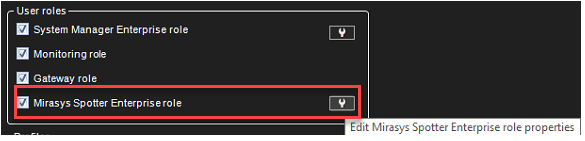
The Spotter custom roles can be customized with close to a hundred different options (not including plugin-specific adjustments).
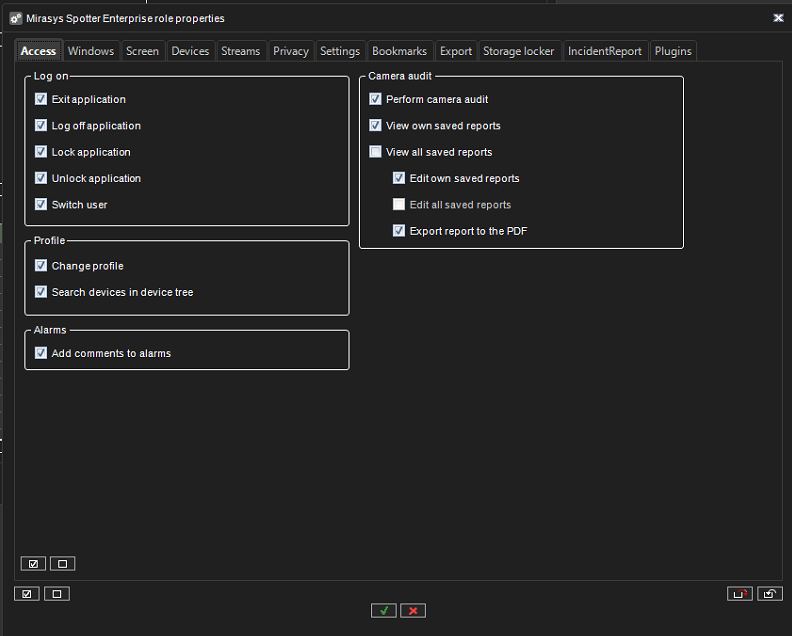
Access
The Access tab of the role customization contains options for the application access and accessing profiles and alarm commenting.
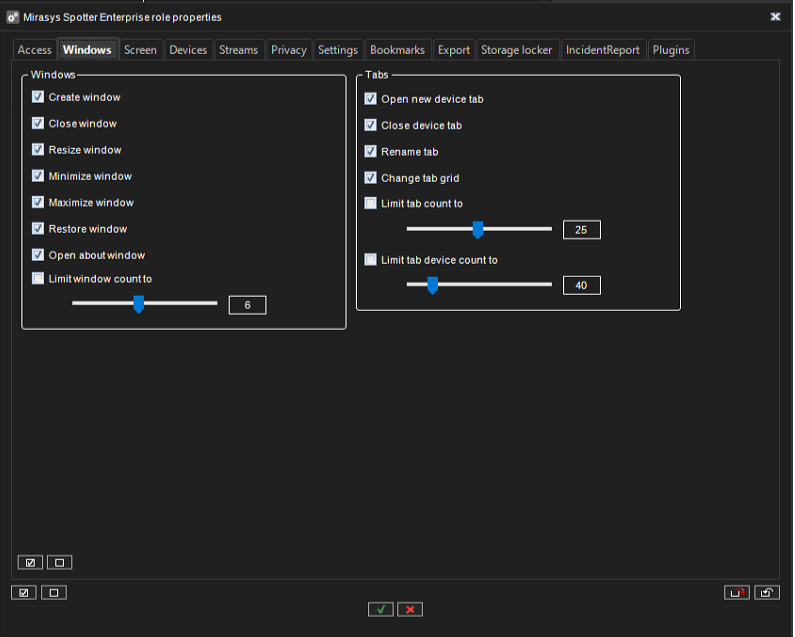
Windows
The Windows tab contains options for Spotter window management and tab management.
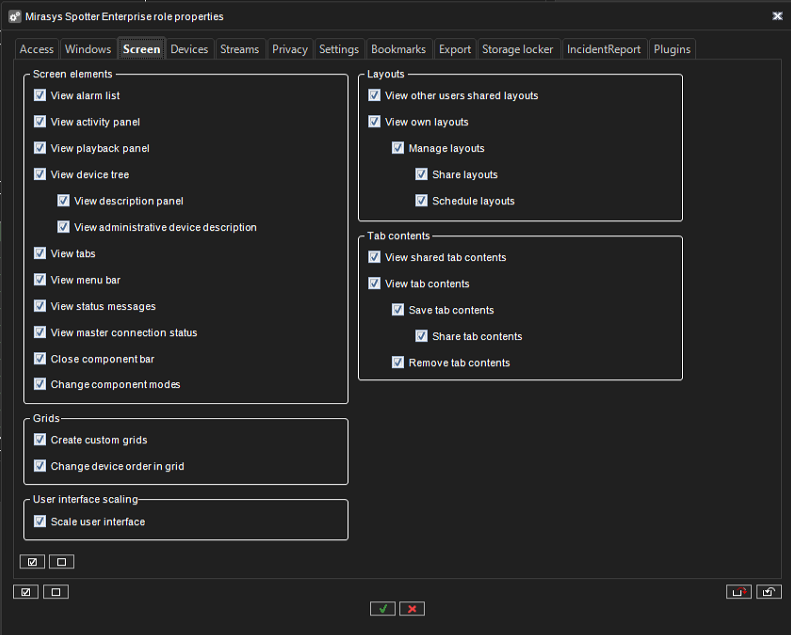
Screen
The Screen tab contains options for different screen element access and layout access, bookmarks, camera grid and saved camera tabs.
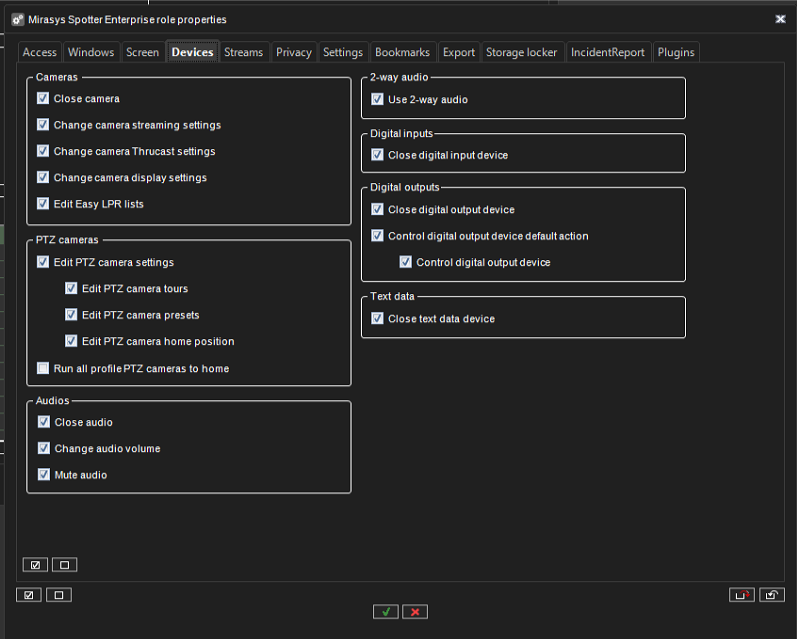
Devices
The Devices tab contains options for media control.
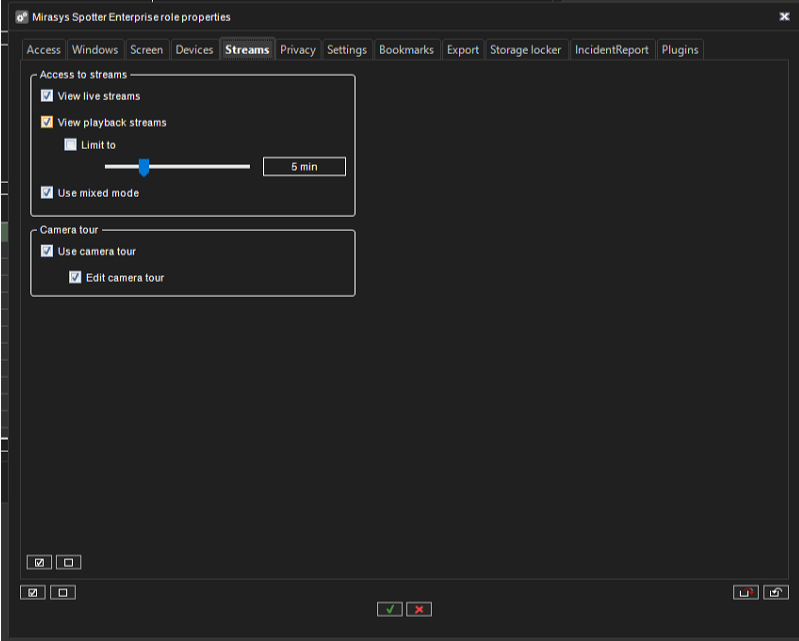
Streams
The Streams tab contains options for stream access and exporting.
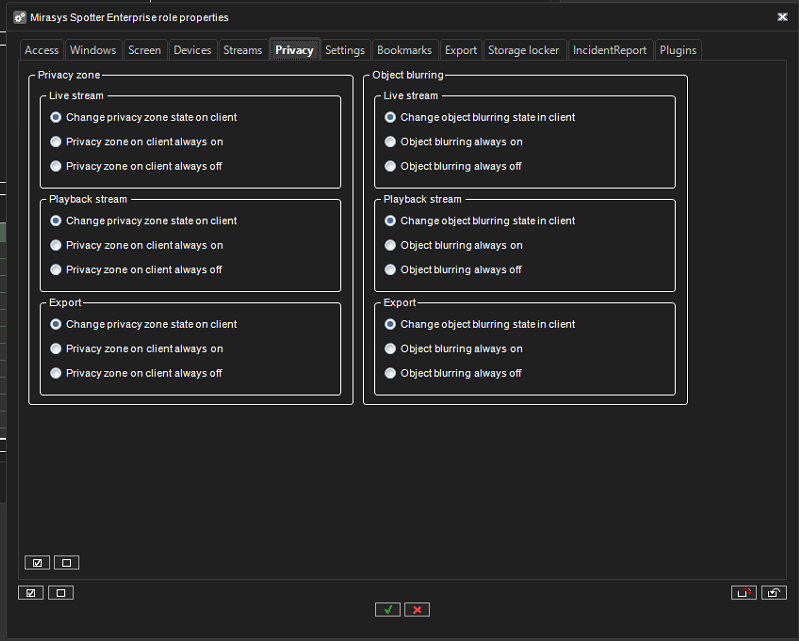
Privacy
The Privacy tab contains options for privacy.
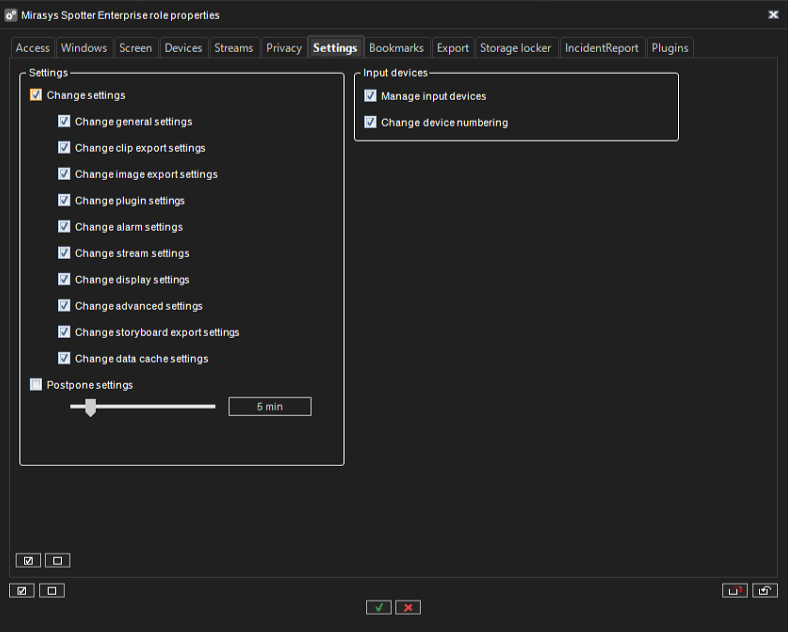
Settings
The Settings tab contains options for Spotter settings.
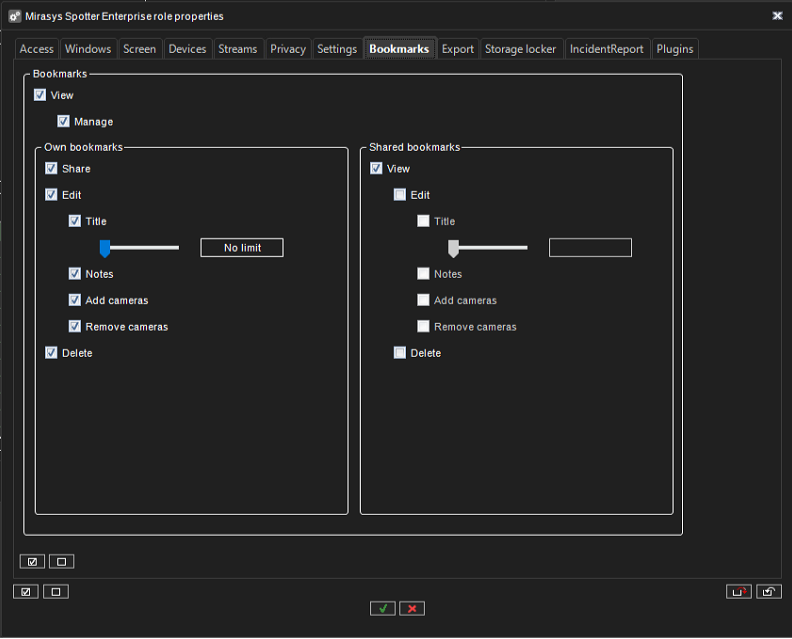
Bookmarks
The Bookmarks tab contains options for bookmarks
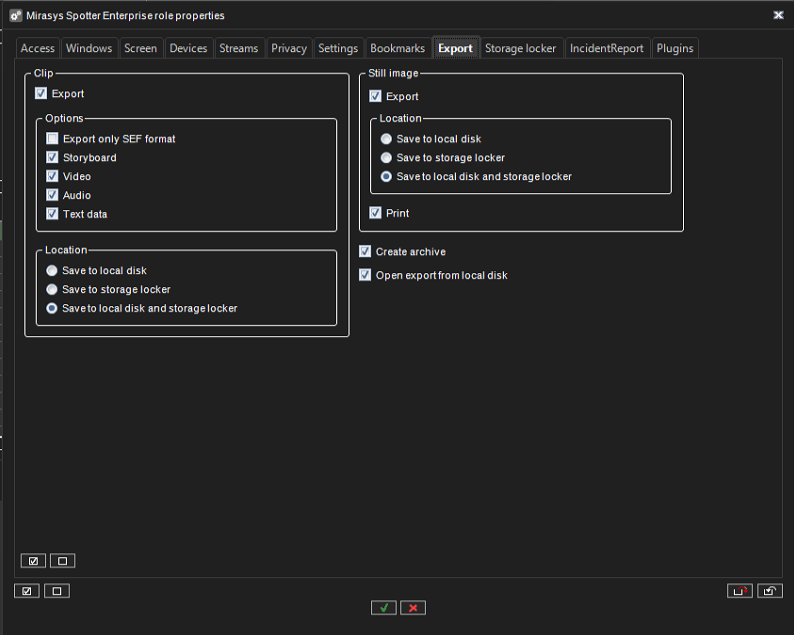
Export
The Export tab contains options for Export functions
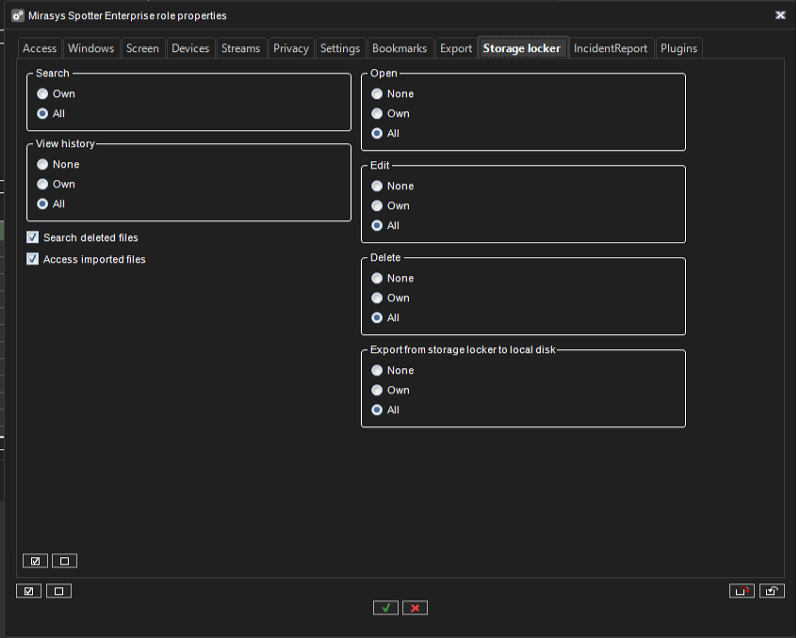
Storage Locker
The Storage Locker tab contains options for the Storage Locker plugin.
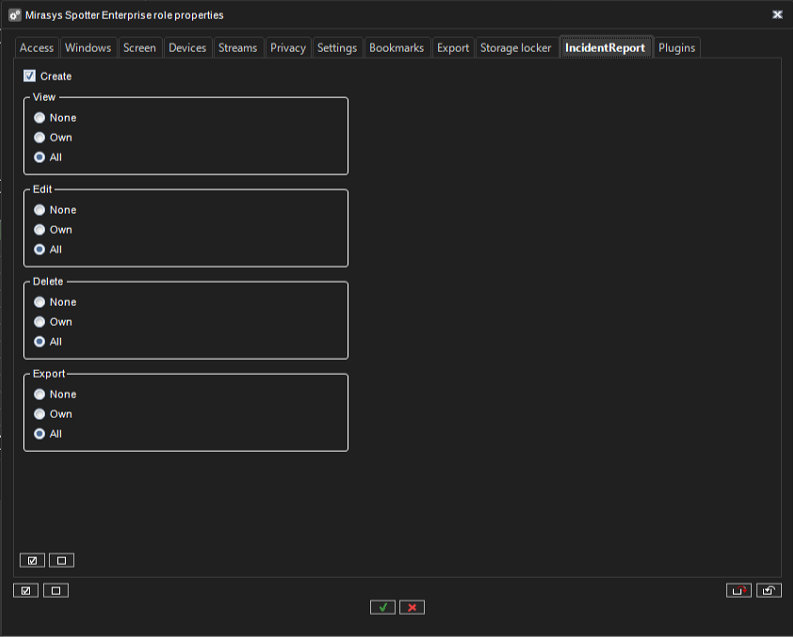
Incident Reporting
The Incident Reporting tab contains options for the Incident Reporting plugin
Plugins
The Plugins tab contains options for Spotter plugins.
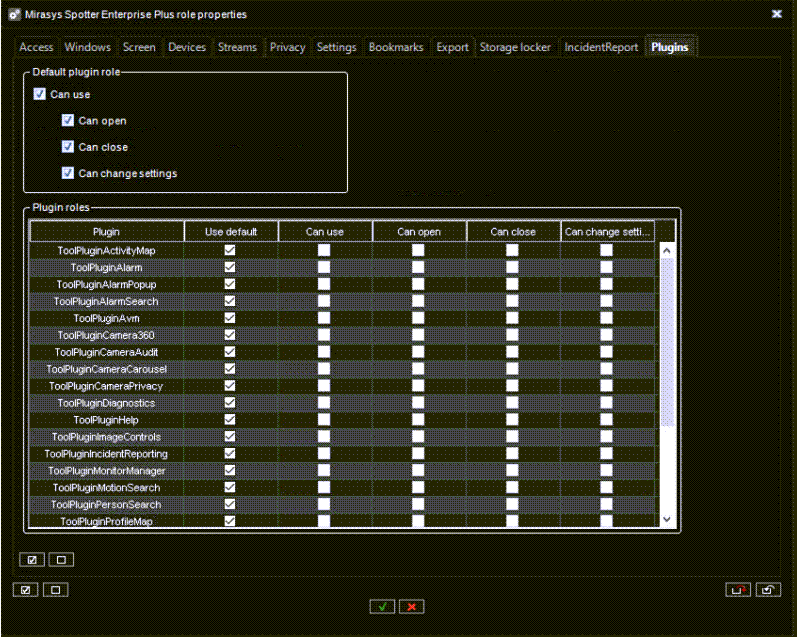
Each plugin behaviour can be either default or custom. The default behaviour can be controlled from the ”Default plugin role” controls.