A bookmark can be created quickly by pressing the Create fast bookmark button or with the keyboard combination Ctrl+Alt+B.
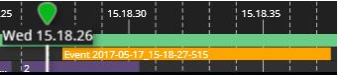
This will create a 10-second-long bookmark to the position of the playback indicator with the content that was open on the tab where the button was pressed.
A second way to create a bookmark is to take the content to the export mode activity panel and then click on the “Start to set bookmark” button.