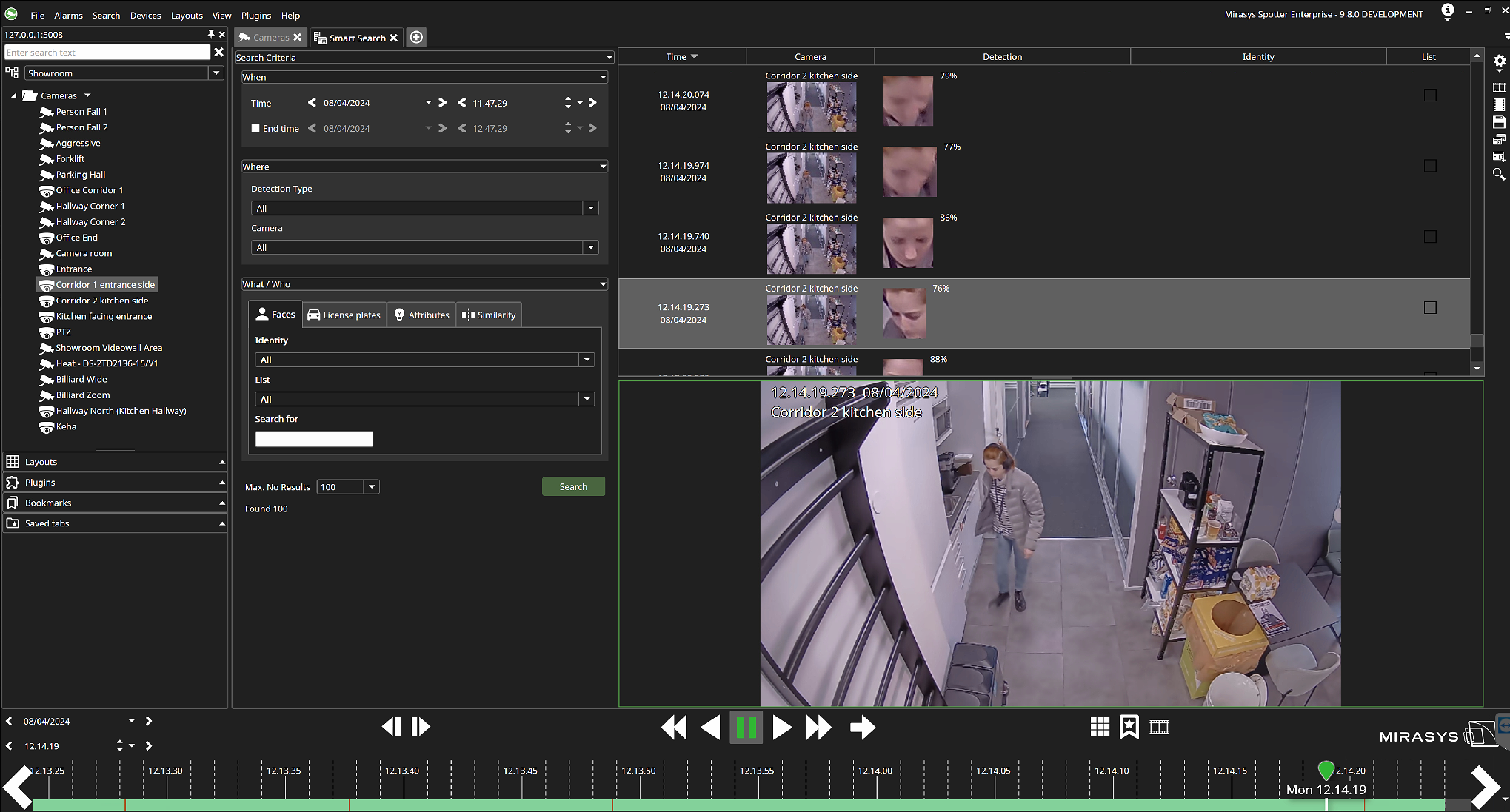
How to search for FR and LPR detection events
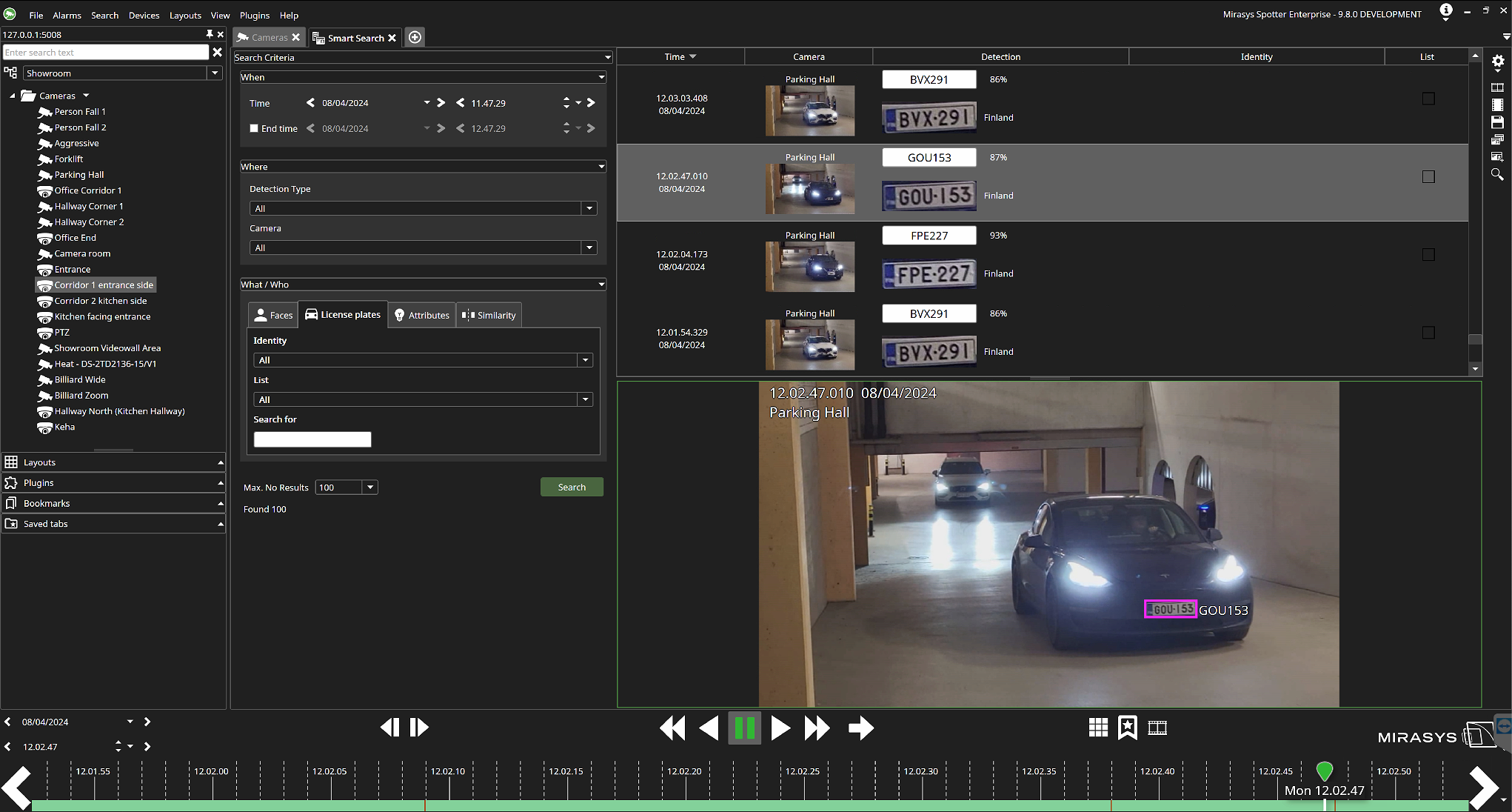
-
Search start time and optional search end time under the section When.
-
Select the service(s) you want to use under the section Where. This will filter out the cameras for which you have that service installed.
-
Select the camera(s).
-
Select the identities and lists that you want to use for the search under the section What / Who or do a free text search.
-
Select the maximum number of results to display.
-
Click Search.
-
View the search results displaying the Time, Camera, Detection, Identity and List used.