Image fit
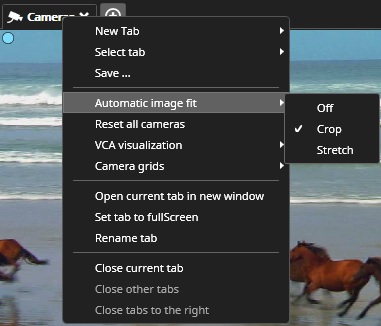
Image fit modes can be changed from the tab context menu:
Or from a button at the playback panel:
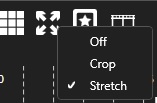
Image fit modes are the following:
-
Off
-
Keep the image view scaling the same as the original image, and show the whole image at the view area.
-
-
Crop
-
Try to keep the image view scaling the same as the original image, fill all available view areas and cut part of the image off if needed.
-
-
Stretch
-
Change image scaling to stretch the whole image in the available view area.
-
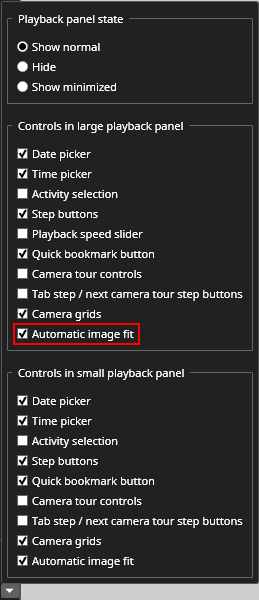
The image fit button is visible in the playback panel if it is enabled in the playback panel controls settings: