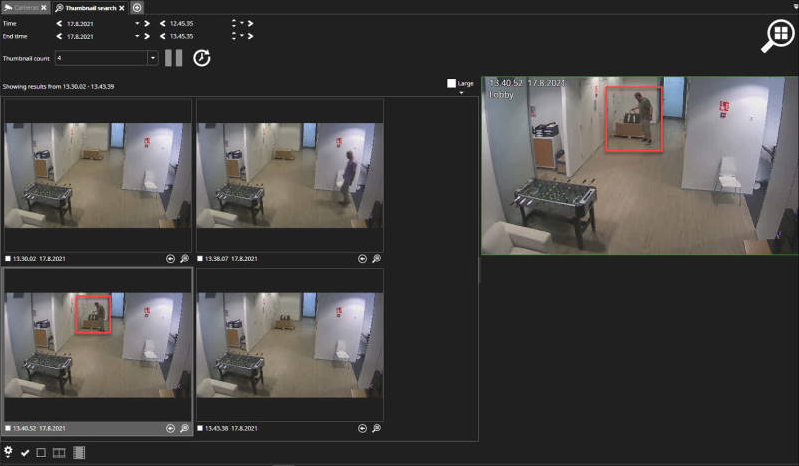
A Thumbnail search gives the user a quick way to inspect camera material visually. It is mainly meant for scenarios where some visual change in the camera view can be noticed, and the user wants quickly to find the time when this change has happened.When the Thumbnail search is started, it fetches thumbnails from stored video and displays them on the results view.
Using Thumbnail search
-
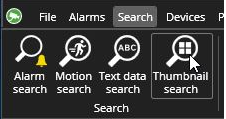
Open Thumbnail search
-
Select camera from the device tree
-
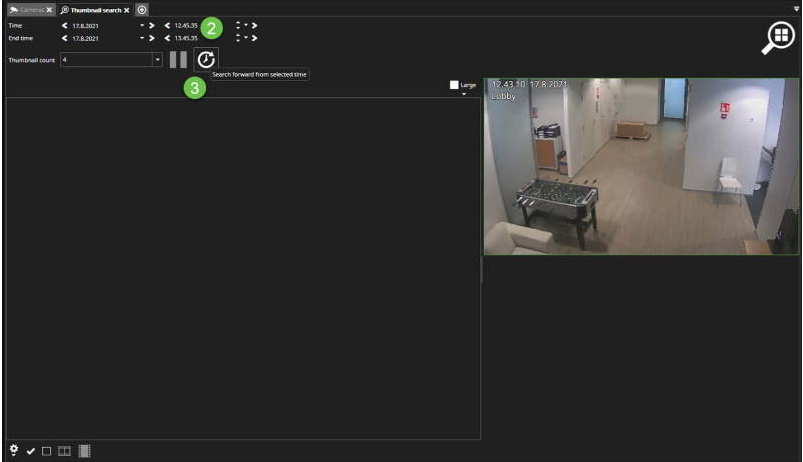
The set time period for the search
-
Click Search forward from the selected time
-
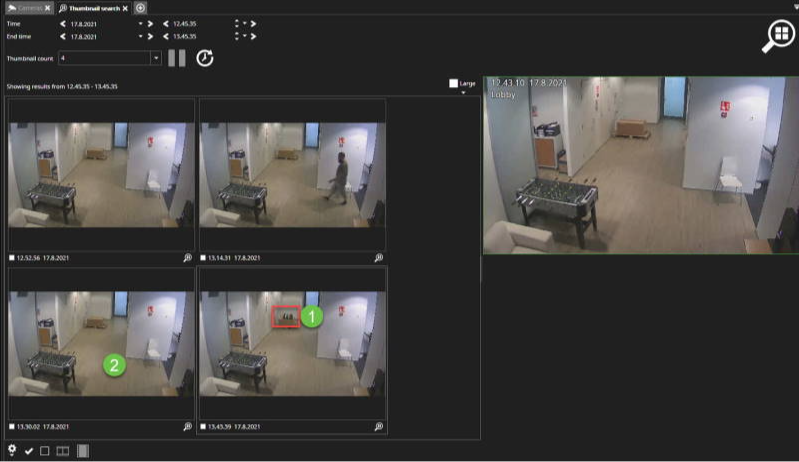
When you find change from the image
-
Please click the image after that
-
Thumbnail search shows time just before the change
-
You can start playback and use normal playback controls.