
It is recommended to install the camera in the center of the vehicle
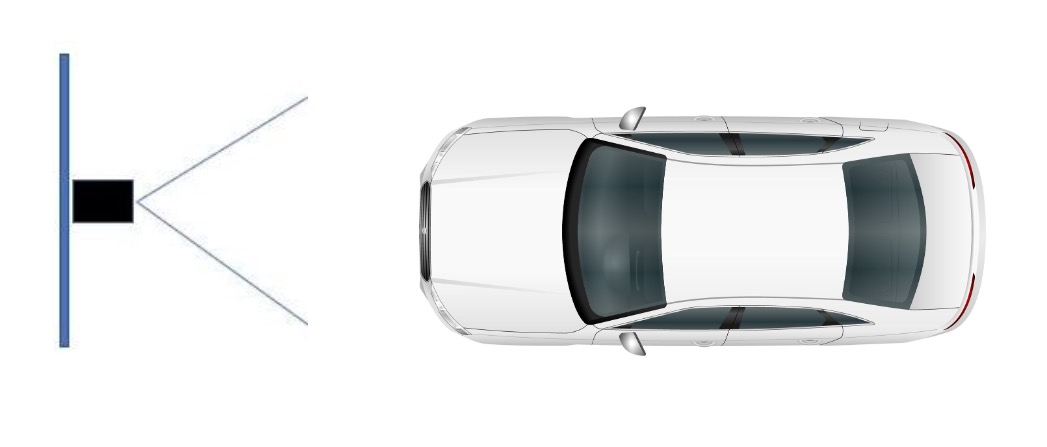
If the camera is installed on the side of the road or lane, the angle should not exceed 30 degrees.
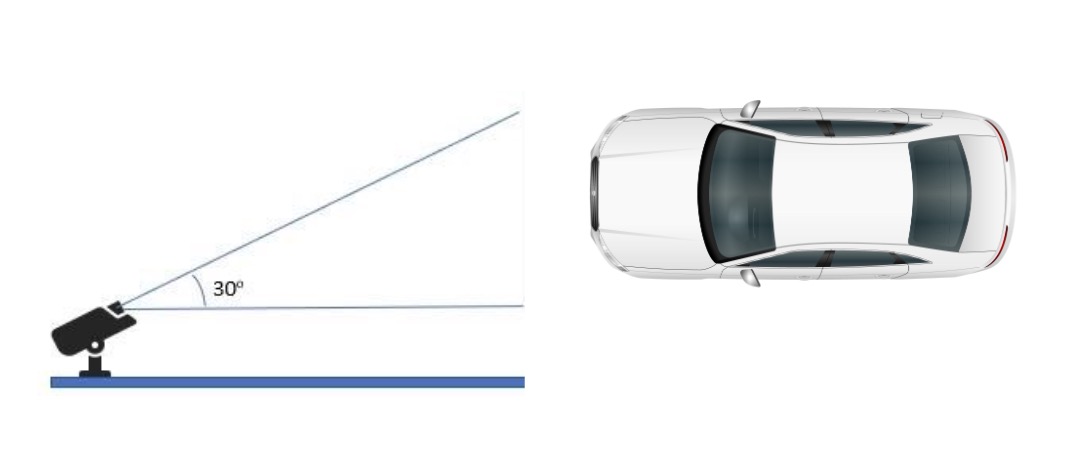
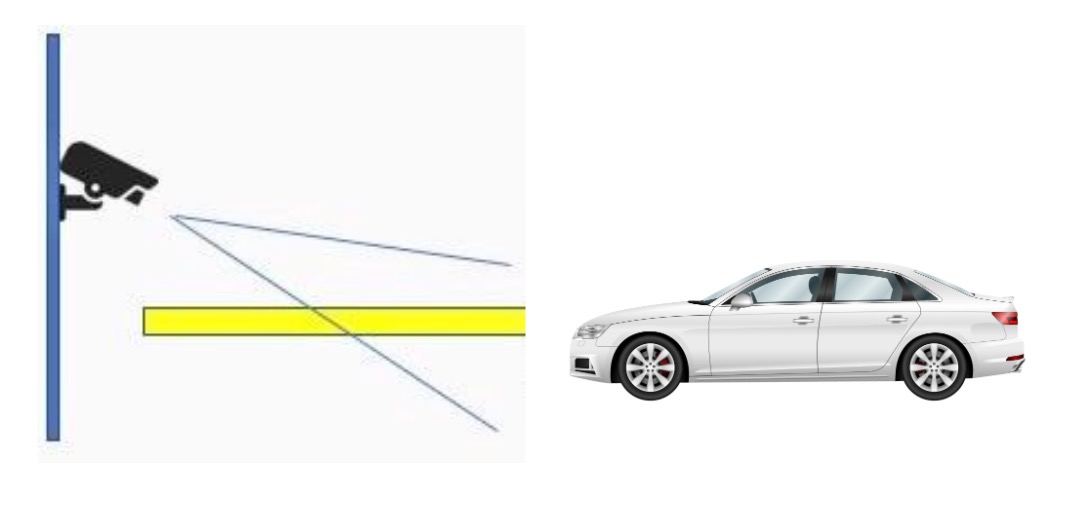
The camera should be installed higher than the vehicle headlights so that the vehicle’s headlights don’t point directly at the camera
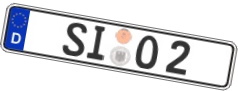
Ensure the license plate width is at least 120 pixels and height at least 50 pixels

Height at least 50 pixels
Width at least 120 pixels
License plate tilt angle must be within +/- 10 degrees
LPR settings in the System Manager application
Ensure the correct region (Americas / Eurasia) is selected.
Setting the region of interest
Region of interest is used to define where detection will find license plates.

Leave some margin to the region of interest to not detect partially visible plates.
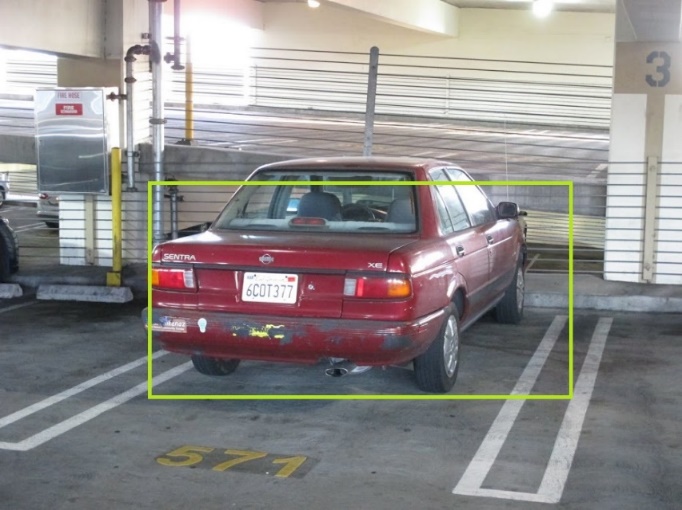
The whole license plate is inside the region of interest, and the plate is detected.
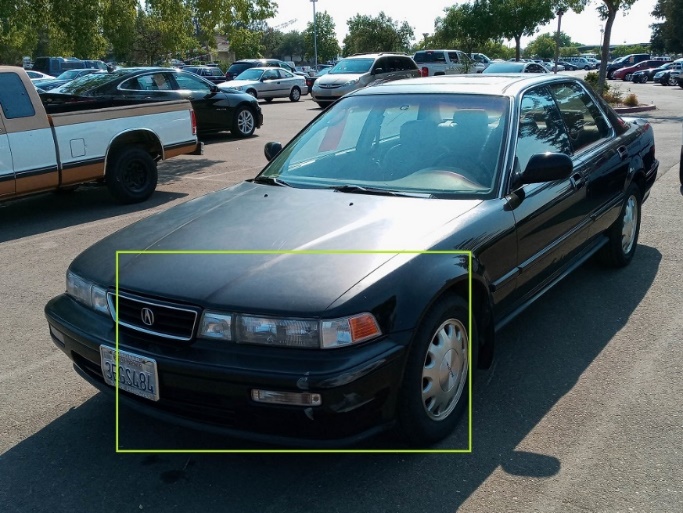
The license plate is not completely inside the region of interest, and the plate is not detected.
Enabling country recognition
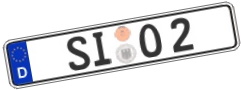
In many countries letter O is similar to the number 0, and the letter I looks the same as the number 1. Enabling country detection improves detection accuracy in these cases.
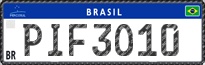
For example, the format for Brazil plate number is “abc1d23”.
Common problems and solutions
Incomplete license plate

Solution: Don’t set the region of interest too close to image borders.
View angle makes plate numbers unreadable
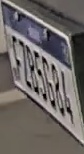
Solution 1: Move the camera to a better place.
Solution 2: Set the region of interest so that the plate is detected when it is visible from better angle.
Other vehicles headlights reflect from license plate
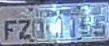
Solution 1: Move the camera to a better place.
Solution 2: Set the region of interest so that the plate is detected when other vehicles’ headlights don’t point to the license plate direction.
The license plate is too small

Solution 1: Move the camera to a better place or zoom in.
Solution 2: Set the region of interest so that the plate is detected when the vehicle is nearer to the camera.
Solution 3: Increase the minimum plate height value in LPR settings so that small plate detections are ignored.
The license plate is blurry
Solution 1: Adjust sharpness and increase shutter speed in the camera’s settings.
Solution 2: Increase the lighting of the area.
The license plate is overexposed
Solution 1: Adjust camera’s image settings.
Solution 2: Check the camera installation location and move it higher so that headlights doesn’t reflect from the plate.