
Enable automatic profile updates
The General tab of a profile includes the Enable automatic profile updates option. The setting is enabled by default.
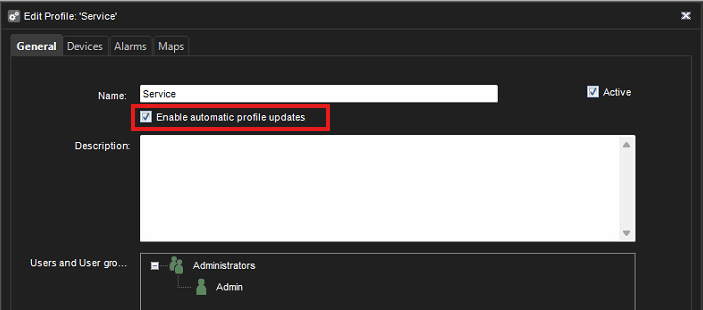
The behavior of the setting in an enabled/disabled state is described below.
Automatic profile updates enabled
I.e., the setting checkbox is ticked.
Profile nodes are removed automatically from the profile when the linked device is removed.
Automatic profile updates disabled
I.e., the setting checkbox is not ticked.
If a system administrator disables the setting and thus “locks” the profile, only manual changes in the System Manager profile settings are applied.
Profile nodes are not removed automatically when linked devices are removed, and profiles can contain broken links to devices.
Profile nodes can be added or removed only manually in System Manager’s Profile settings, or for alarms in Alarm settings.
Broken profile nodes
All applications function correctly regardless of broken profile nodes. Backing up and restoring the system also work normally.
Broken profile nodes are inaccessible to users and not displayed in the profile tree in any application except for System Manager’s Profile Settings. Though the nodes are not displayed, they remain in the system data.
System Manager’s Profile settings display the following information for broken links:
-
Recorder name and address
-
Device name
-
Information that the device link is broken
When a linked device is re-added, the link between the profile node and the device is restored. All clients regain access to the profile node and the device.