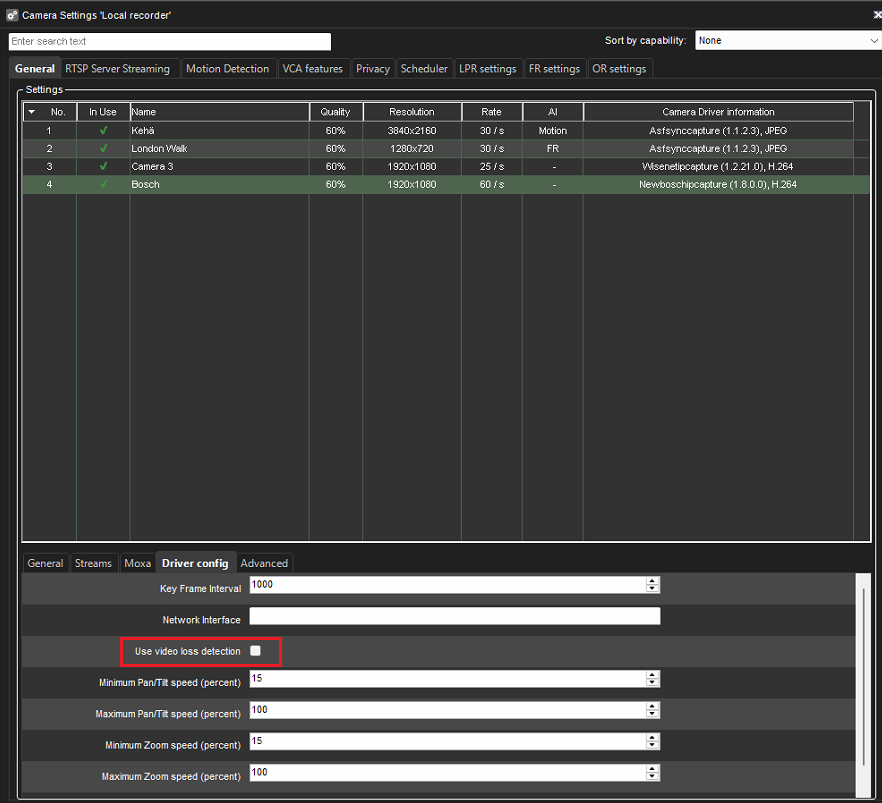
This tab contains camera or driver-specific unique settings. A driver update may bring additional values to this tab.
Selecting multiple cameras is possible with SHIFT or CTRL keys.
Please note that if you select more than one camera, you cannot set parameters not supported by all selected cameras.
Configurable values
-
RTP Packet Size
-
RTSP session logging
-
GOV Length
-
Custom GOV Length
-
Manage privacy mask by the driver
-
Network interface
-
Multicast address: Recording stream
-
Multicast port: Recording stream
-
Multicast address: Viewing stream
-
Multicast port: Viewing stream
-
Multicast address: Streaming stream
-
Multicast port: Streaming stream
-
Multicast TTL
-
Enable Time Synchronization feature
-
Enable 3-Axis PTZ
-
Enable simple focus after zooming
-
PTZ OSD menu confirmation timeout
-
Minimum Pan/Tilt speed (percent)
-
Maximum Pan/Tilt speed (percent)
-
Minimum Zoom speed (percent)
-
Maximum Zoom speed (percent)
-
Enable PTZ log
Adjusting Pan/Tilt and Zoom speed is possible for the following camera drivers:
-
ONVIF
-
Bosch
-
Hanwha
-
Axis
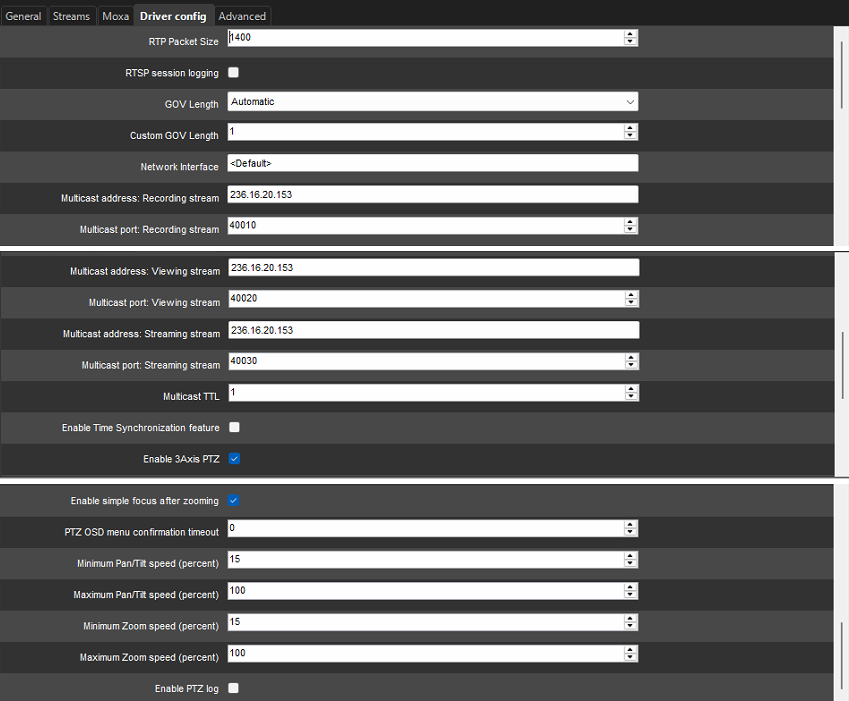
Signal Lost Event in Bosch Native Driver
A 'signal lost event' can be enabled in the Bosch native driver when utilizing Bosch encoders.
The setting is adjusted in the System Manager desktop application.
When a user sets this option to 'true,' it will remain so even after VMS updates or driver updates.
This ensures that user preferences for monitoring signal events are maintained consistently without reconfiguring settings post-update.