By default, without a VMS license, the server supports only one IP camera. The server needs a valid license for full functionality.
Depending on the installation, you may need to upgrade the license information when adding new functionality or cameras to the system.
To get a license key, please contact your supplier and follow the license upgrade procedure as detailed by the supplier.
If you have any problems in upgrading the license, please contact orders@mirasys.com.
You can also add more camera channels and features such as VCA capabilities to a server by getting a new license key.
For the license key, you need the MAC address of the server.
Getting the license key
-
Start System Manager. The License Information dialogue box is automatically shown when no license key has been specified.
-
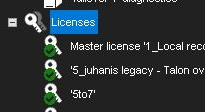
On the System tab, under Licenses, double-click the server that you want to update.
-
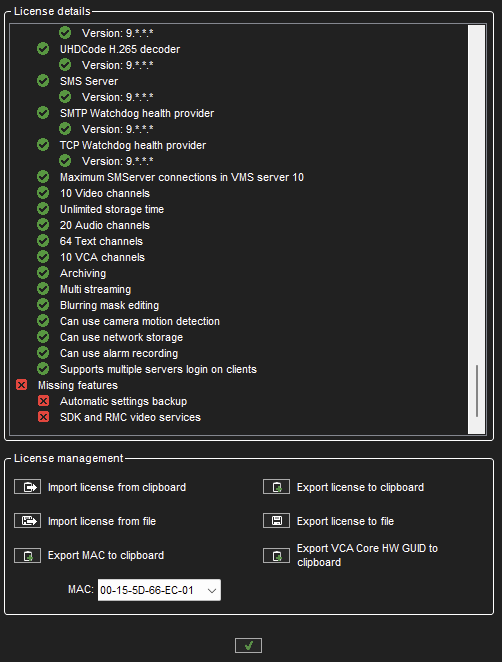
In the License Information dialogue box, copy the MAC address and send it to Mirasys. In return, you will receive the license key as a text file.
-
Click Import license from the file.
-
Click OK. The system is updated immediately.
The default unregistered state that allows the use of one IP camera has been time-limited.
The unregistered state can be active for up to 60 days, after which a valid license key is required. Unless a valid license key is added to the system within 60 days after the installation, the system will cease to operate.