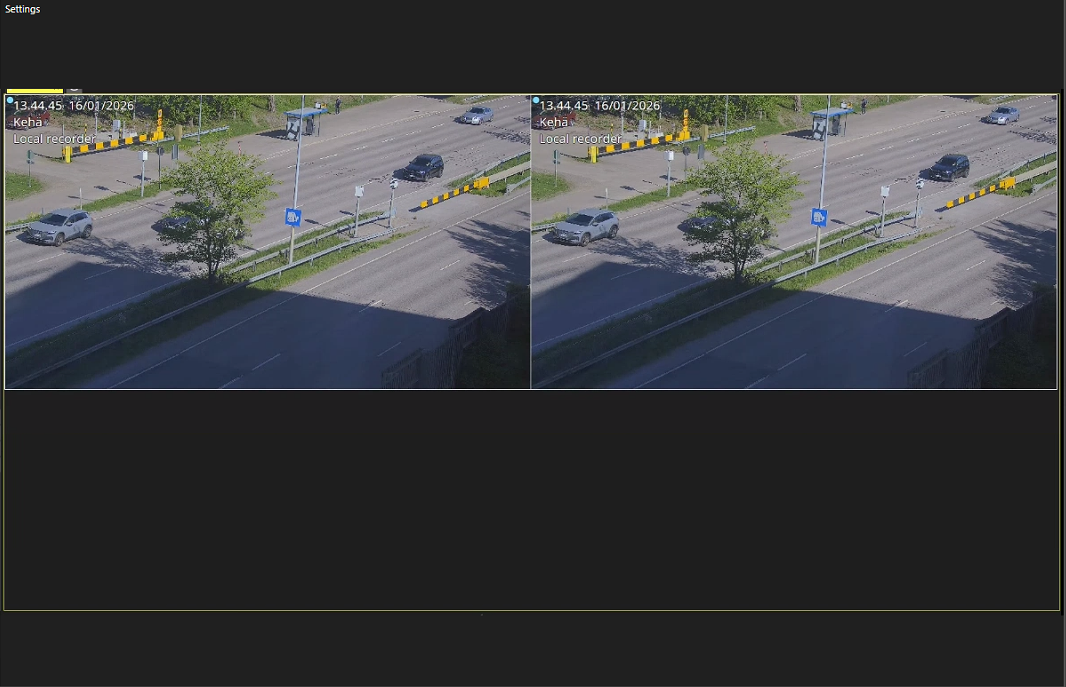
Spotter Viewer is a client application for viewing streams from Spotter. Spotter view sharing functionality allows operators to share their Spotter view, allowing workers without surveillance rights or device access to see the shared view. The operator can select a viewing station to share their view with, and the selected Spotter window grid is captured and sent to the viewing station. A non-surveillance worker can see the shared view in Spotter Viewer, where only the operator’s view inside the tab area is displayed when sharing has started. In Spotter Viewer, the user can only do the following actions:
-
Minimize, maximize, and resize the window
-
Log off
-
Exit Spotter Viewer
The use of view sharing has the following prerequisites:
-
Sharing the view to selected viewing stations has been enabled in user role settings
-
Settings for viewing station(s) have been configured
-
Spotter Viewer is installed