
The user can see the cameras that have ThruCast capability from the camera toolbar – settings.
For those cameras that have ThruCast the setting is available.
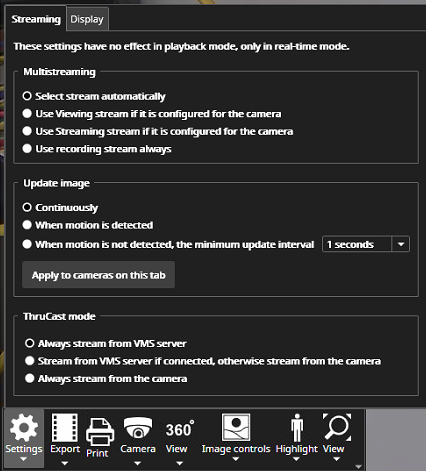
For cameras that do not have ThruCast, the lower part of the dialogue is disabled.
The setting is memorized for each camera separately.
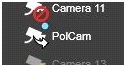
When ThruCast is active, there is a small arrow displayed on top of the camera in the device tree.