-
Click the Export material icon from the lower right corner

-
Set a name for the export
-
Select items to export
-
Set Start time
-
Set End time
-
Select Format (ASF, MP4 or SEF)
-
Click Start

Downloading exports
-
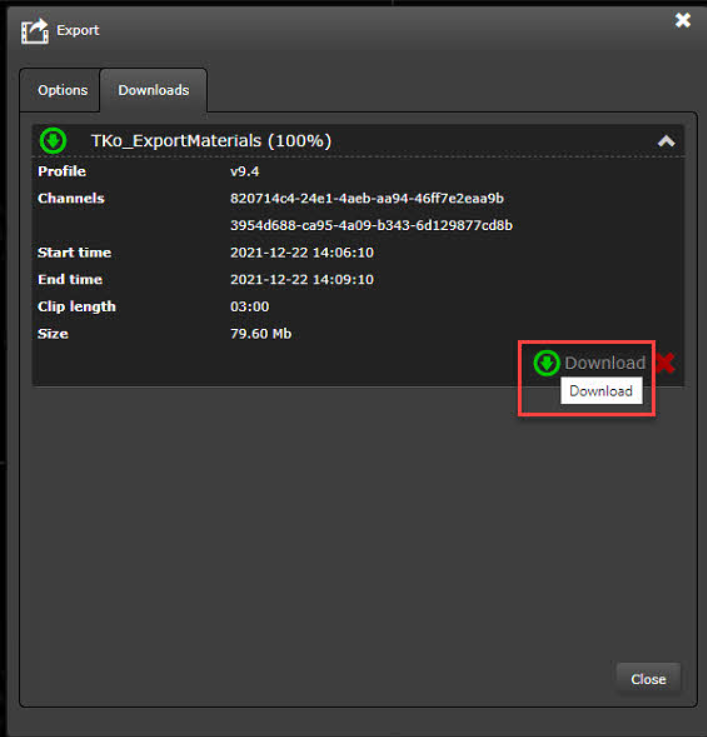
Go to the Downloads tab
-
Click Download on the selected export
-
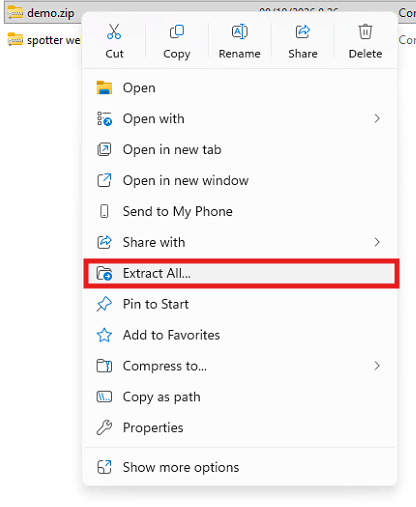
Extract the downloaded export ZIP package