-
Click the camera name in the device tree

-
Selected cameras are opened with the camera name and timestamp.

Closing cameras
-
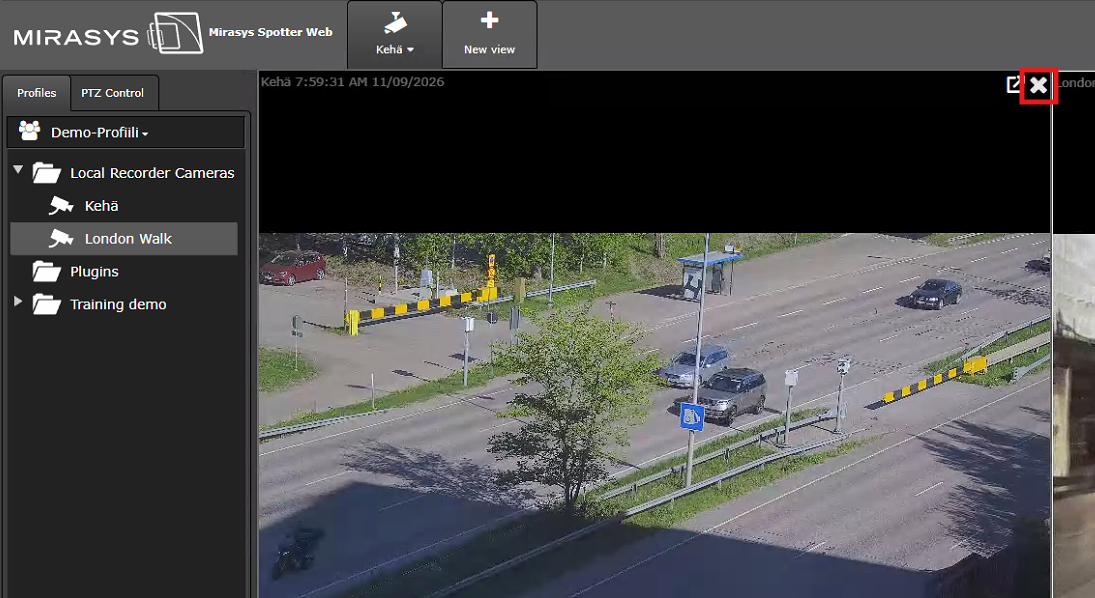
Click the X icon in the camera image’s upper-right corner

Click the camera name in the device tree
Selected cameras are opened with the camera name and timestamp.
Click the X icon in the camera image’s upper-right corner