Exporting video clips
-
Tap the Export button

-
Set the name for the export
-
Select items for the export
-
Set Start time
-
Set End time
-
Select Copy player, if needed
-
Set format (ASF, MP4, or SEF)
-
Click Start
Downloading the export
-
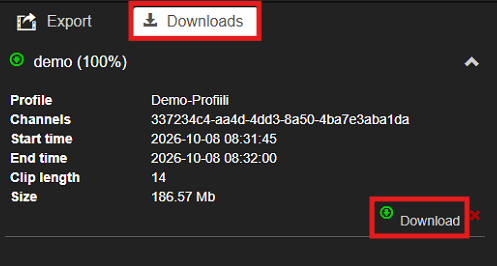
In the Downloads view, tap Download on the selected export
-
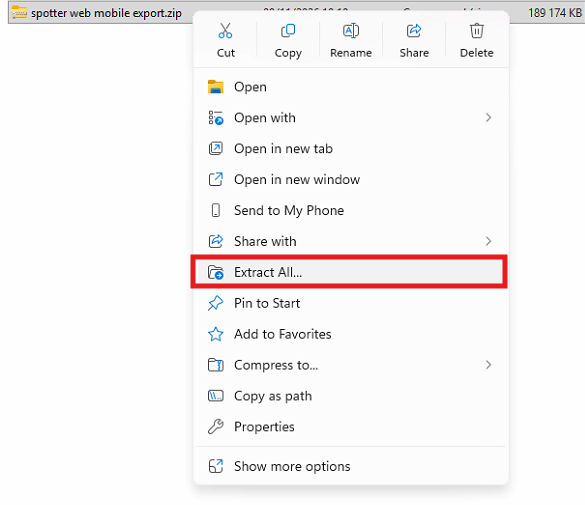
Extract the downloaded export ZIP package