Opening cameras
-
Tap the camera icon in the top-left corner
-
Select the cameras
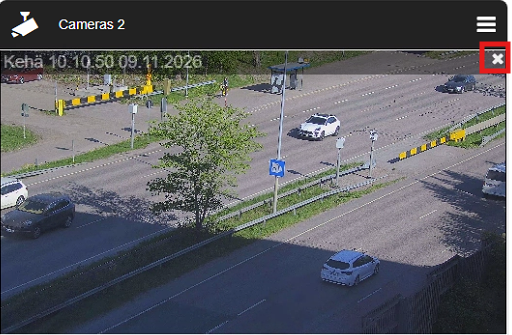
Closing cameras
-
Tap the X icon in the top-right corner of the camera stream

Tap the camera icon in the top-left corner
Select the cameras
Tap the X icon in the top-right corner of the camera stream