
Adding a new view
-
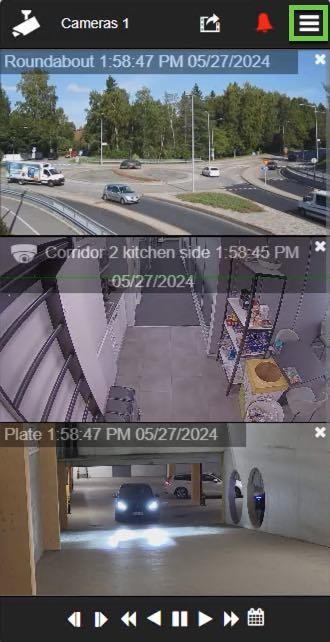
Tap the menu icon in the upper-right corner
-
Tap New view
-
Select the cameras for the new view
Deleting a view
-
Tap the menu icon in the upper-right corner
-
Tap the X icon to delete the view
-
Tap OK to confirm
Switching to another view
-
Tap the menu icon in the upper-right corner
-
Select the view you want to open
Editing the view name
-
Tap the pen icon
-
Change the view name
-
Tap Save