Exporting User role settings
-
Click Export user role settings to file
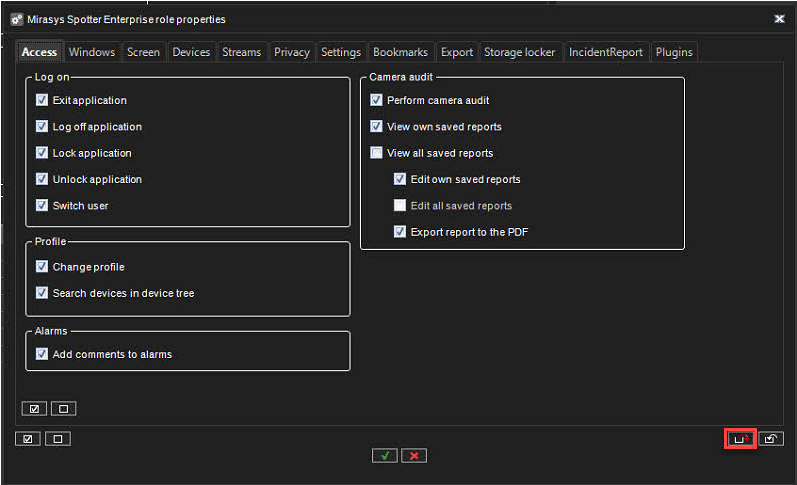
-
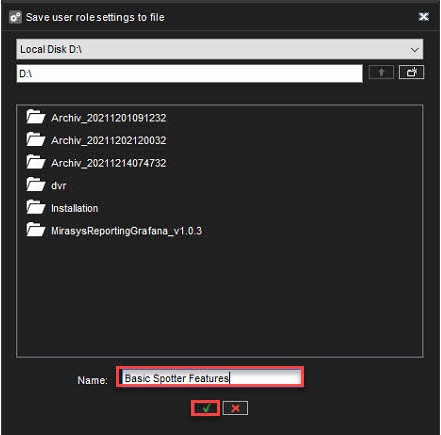
Select destination
-
Set the name of the file
-
Click OK
Importing User role settings
-
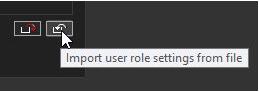
Click Import user role settings from the file
-
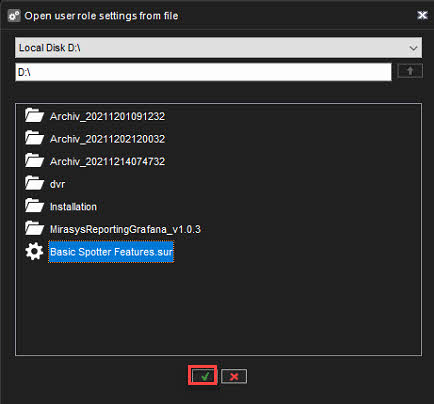
Select file(.sur)
-
Click OK