
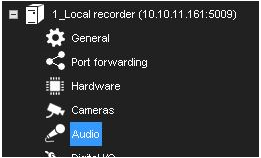
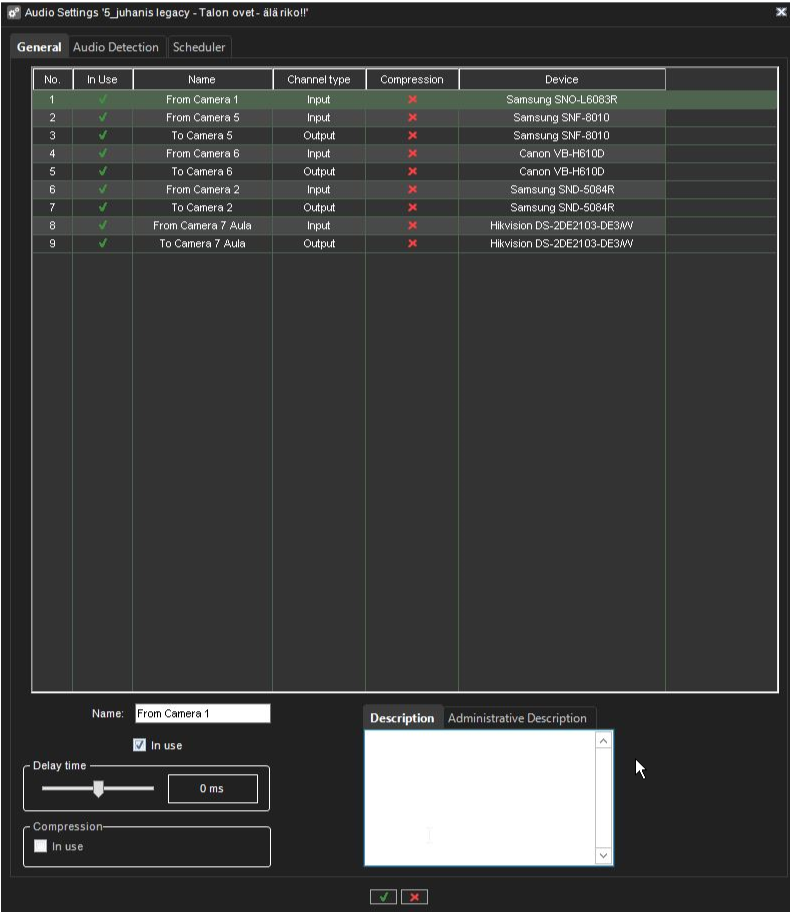
The General tab in the Audio page lists the basic settings of all audio channels:
-
No. The number of the channel.
-
In Use. Shows if a channel is enabled or disabled.
-
Name. The name of the channel.
-
Mono / Stereo. Shows if a channel is a mono or stereo channel.
-
Compression. Shows if compression is on or off. A checkmark means that compression is used.
-
Capture Driver. Shows what capture driver is used. Select the driver in Hardware Settings.
To change general settings:
-
Select the channel from the list.
-
You can change these settings in the lower part of the window:
-
Name. The name of the channel.
-
In use. Select to enable the channel. Clear the check box to disable the channel.
-
Delay time. Sets the delay time in synchronizing the audio stream with other devices.
-
The delay time can be used to optimize the audio and video stream synchronization to, for example, enable better lip synchronization.
-
Compression. Select to use compression. Compressed audio files use less disk space, but the quality of the audio is a bit lower. Clear the check box to not use compression.
-
Description. Here you can type a description of the channel that will be shown to the users in the Spotter program.
-
Administrative Description. Here you can type a description of the channel that will be shown in the Spotter program to only system administrators.