
In this guide, we will go over how you can edit the server address in the client software. Server address selection allows users to add new server addresses, edit current ones, or remove them.
-
Right-click the System Manager or Spotter shortcut and select Run as administrator.
-
Click Yes to run this application as administrator rights.
-
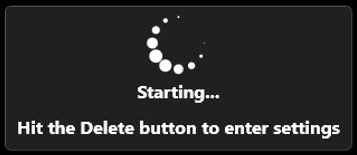
After this you get a new window, press the Delete key on the keyboard to open the Server address selection window.
-
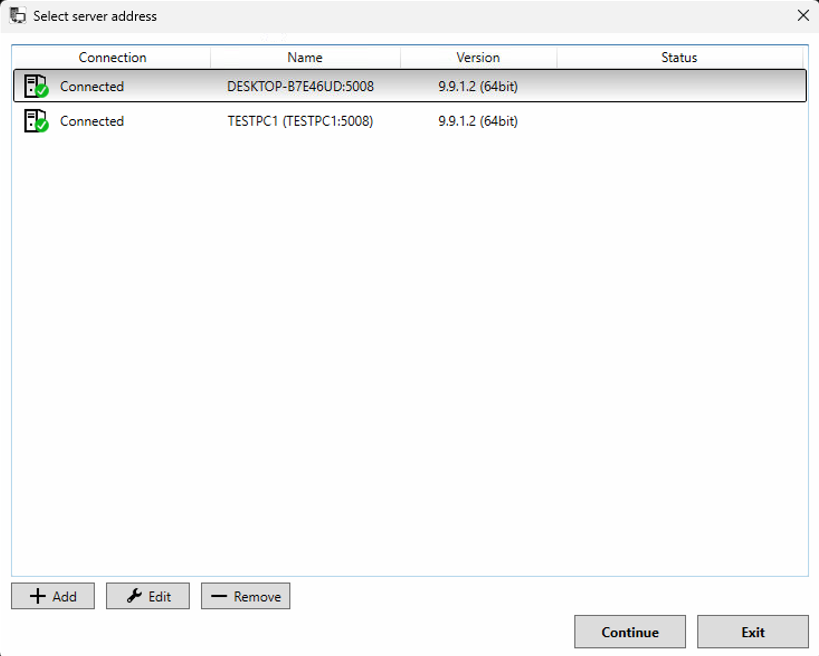
In this window, you can add new server addresses, edit current ones, or remove them.
-
When all needed changes are done, select the desired server address and click Continue to make the connection to this server.