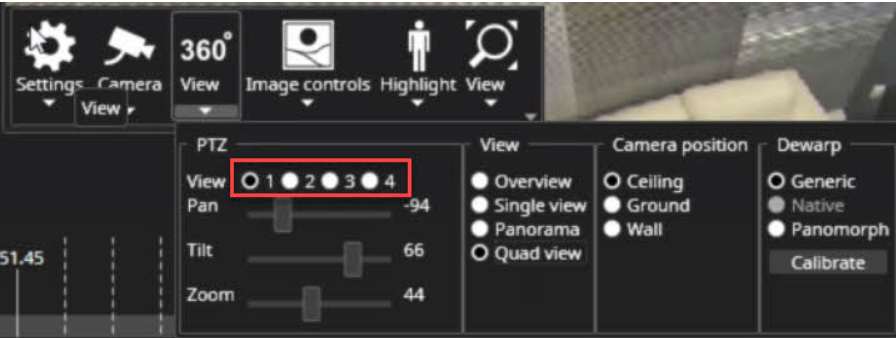
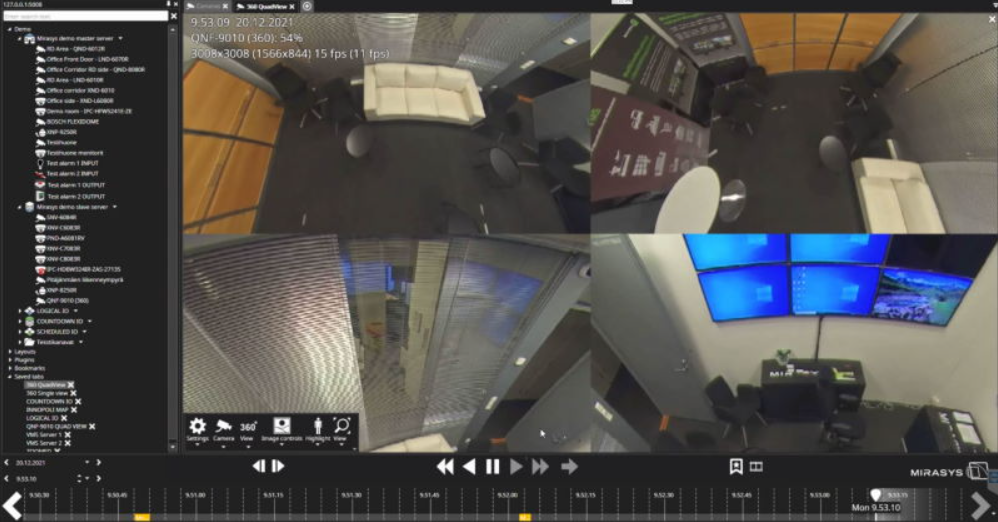
The 360 View toolbar control allows defining how a 360-camera image is de-warped (straightened) by the Spotter client.
The Plugin has controls to:
-
Pan, Tilt and Zoom the de-warped image (available only for some de-warped modes and cameras)
-
Select the de-warping mode
-
Non-de-warped
-
Single view
-
Panorama (typically a double panorama, but some cameras only offer a single panorama view)
-
Quad view (4 individual de-warped cameras that can be adjusted separately
-
Camera mounting position control
-
Lens selector
Configuring 360 camera de-warping
-
Open camera to the real-time view
-
Open camera toolbar
-
Select 360 View
-
Select Dewarp mode
-
Select Camera position(Ceiling, Ground or Wall)
-
Select View mode
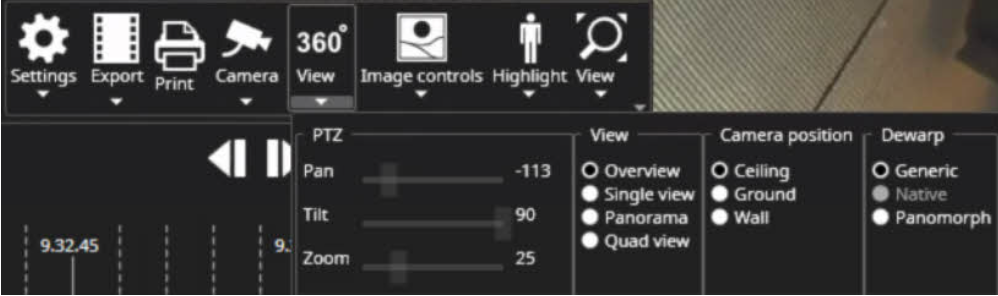
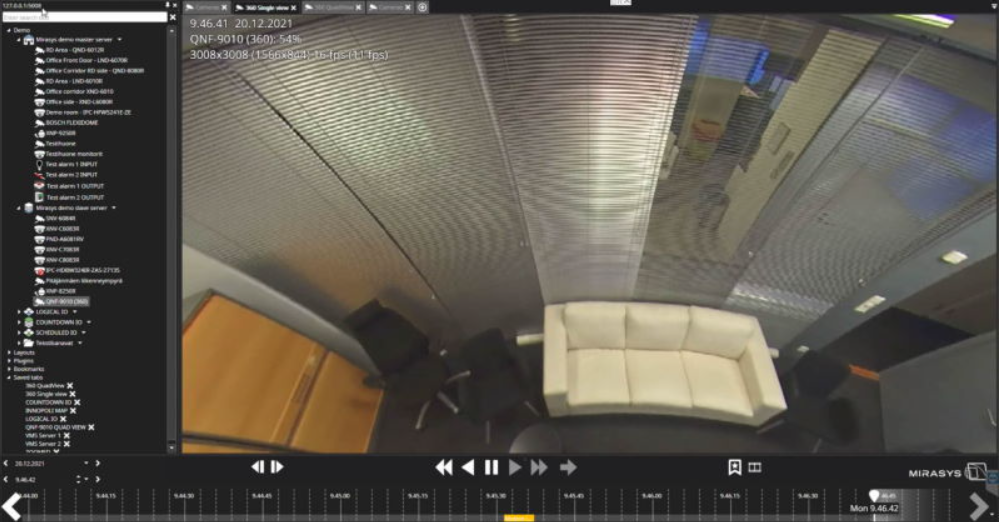
Single view
-
Select Single view mode
-
Adjust Pan, Tilt and Zoom
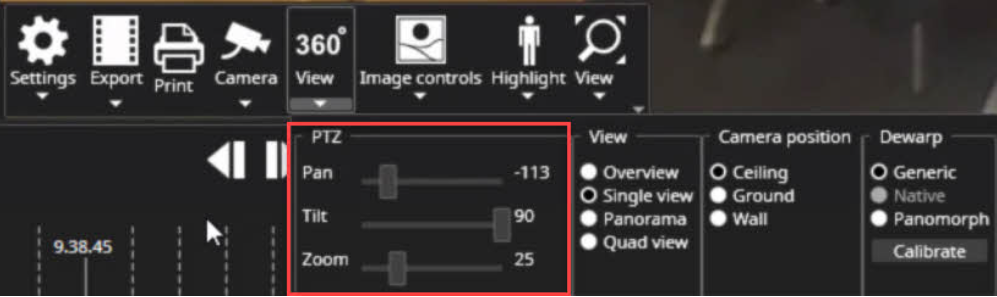
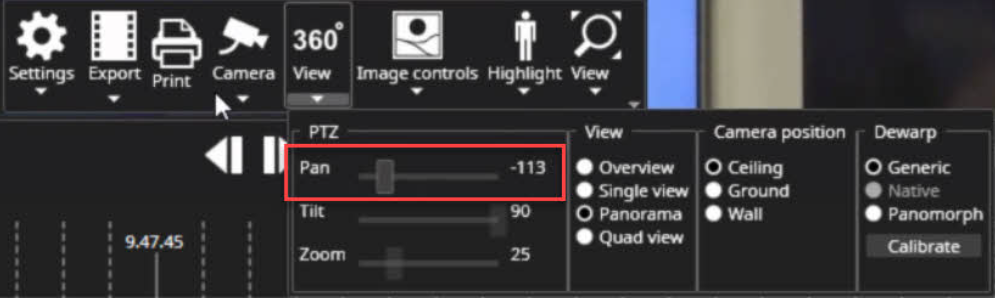
Panorama
-
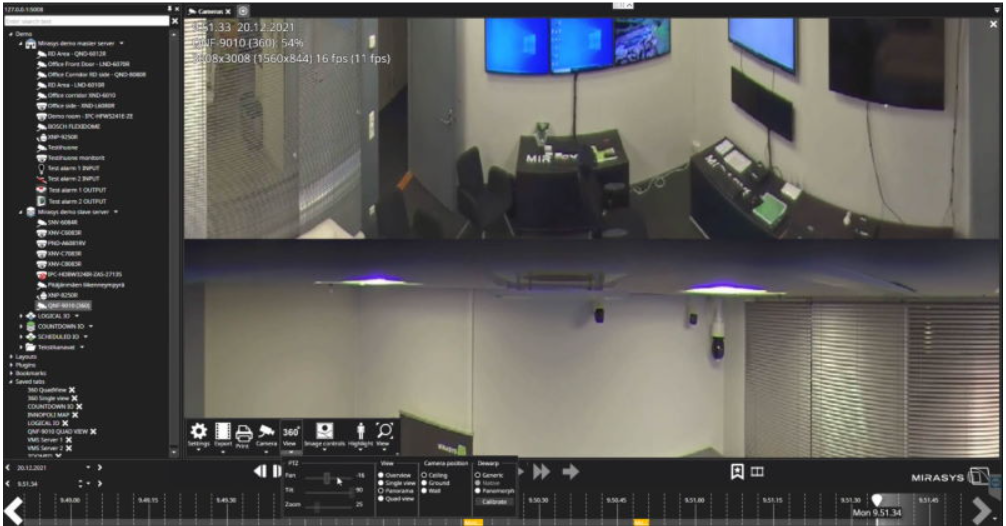
Select Panorama mode
-
Adjust Pan
Quad
-
Select Quad view mode
-
Select view 1
-
Adjust Pan, Tilt and Zoom
-
Repeat same actions to View 2, 3 and 4