-
Select needed devices into the Spotter working area
-
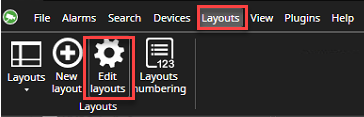
Go to the Layouts
-
Select Edit layouts
-
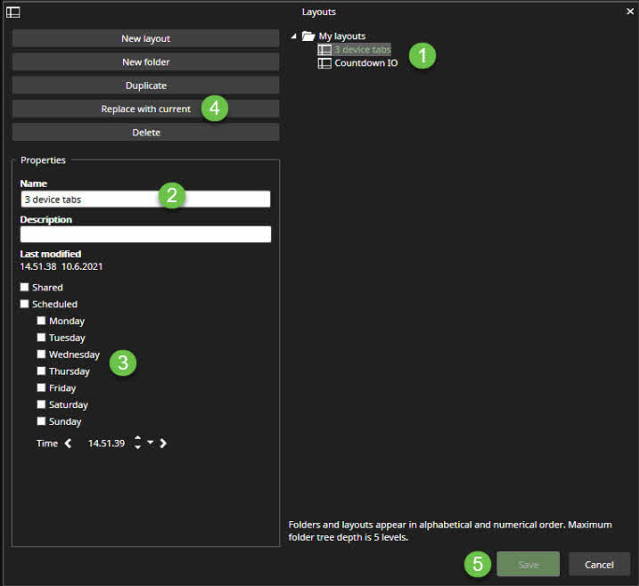
Select the layout from the list
-
Modify the name, if needed
-
Set schedule settings, if needed
-
Click Replace with current
-
Click Save