
The component panel width can be adjusted, and it can also be collapsed only to show the I/O control.When the I/O devices are added to the camera grid cell, they take over the entire grid cell.
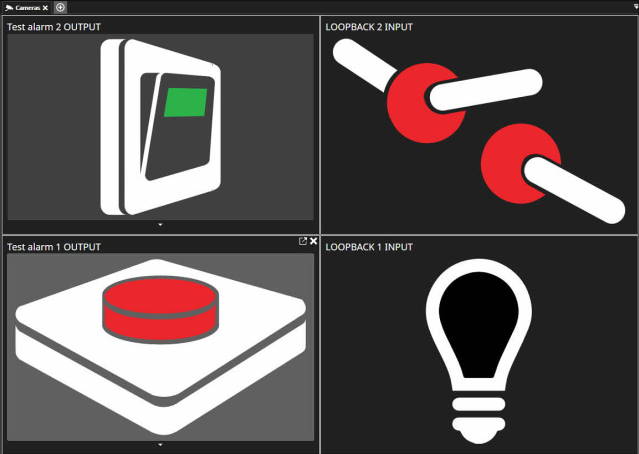
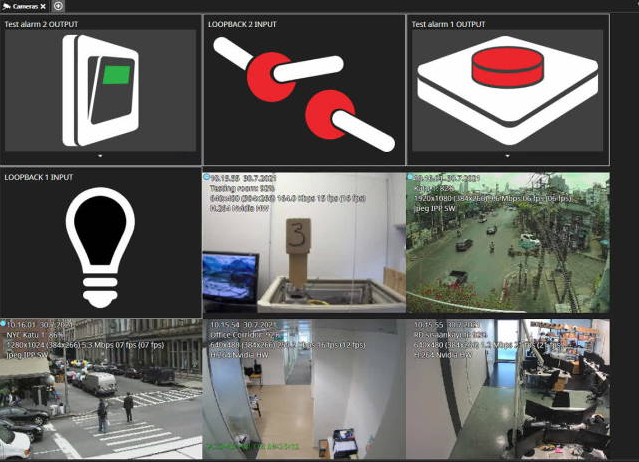
Outputs have a small pull-down menu that allows control of state switch, pulse and pulse duration.
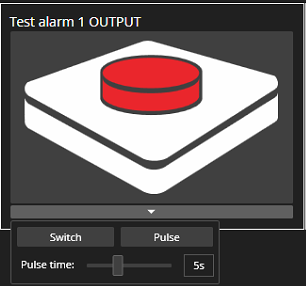
Please note that output states can also be toggled from the device tree by clicking on the output control.The default action of the outputs is defined in the System Manager – Profiles section.