
VM Desktop default setup for DirectX devices and AXIS joystick
VM Desktop default setup
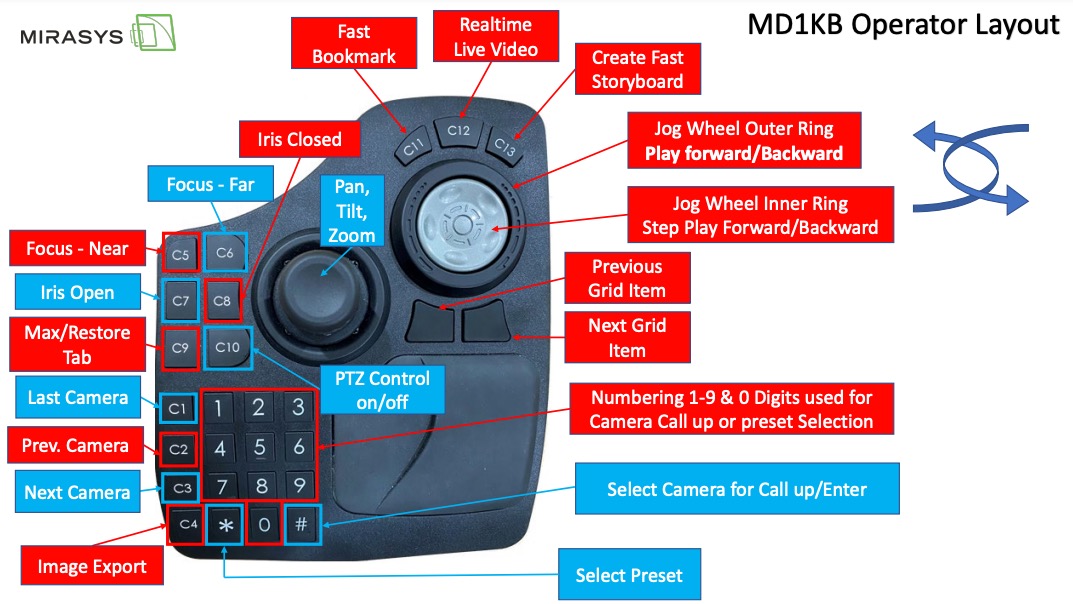
Device driver selection
In the device driver setup page, only one driver is seen at a time, the default selected driver is the DirectX driver.
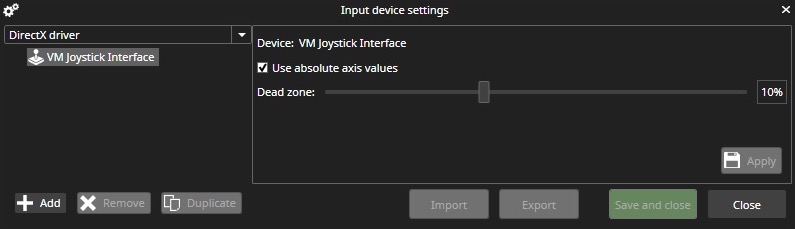
Used (= active) driver can select from combo box items:
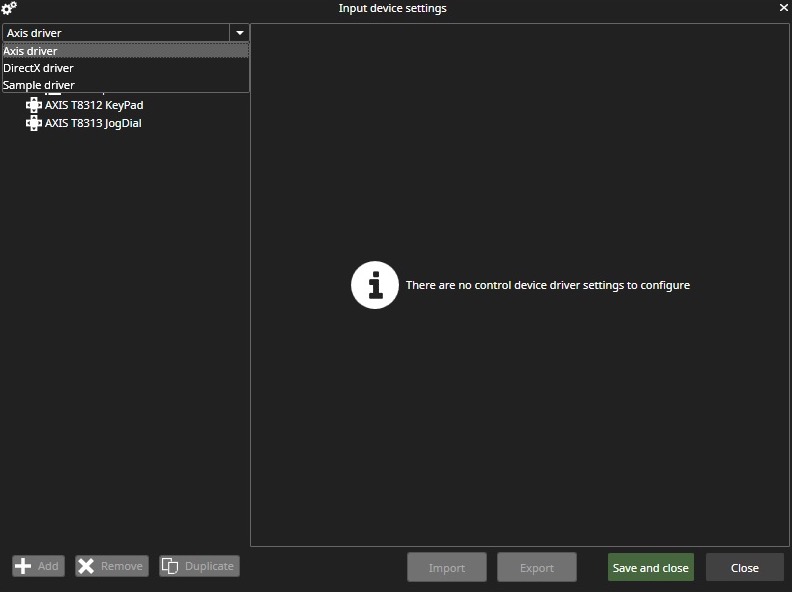
Axis device driver supports AXIS T8311 Joystick, AXIS T8312 Keypad, and AXIS T8313 Jogdial.
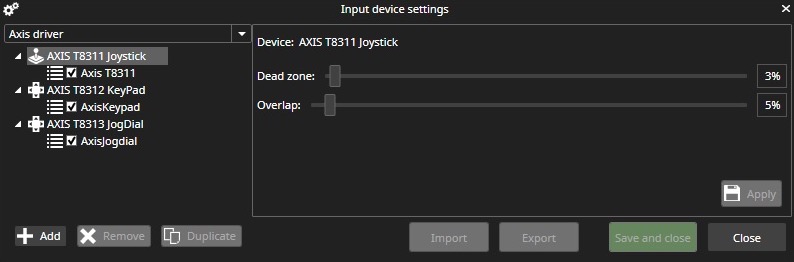
Note!
During Axis device driver test period, we detected a case (do not find out the reason) when Axis device driver was not viewing id driver selections and in Spotter.log there was an error message like: Exception in reading parameter information from installed control device driver
System.Reflection.TargetInvocationException: An exception has been thrown by the target of an invocation. ---> System.IO.FileNotFoundException: Retrieving the COM class factory for component with CLSID {7CC50CF7-AB83-4DF7-80A9-CA43FB554BBB} failed due to the following error: 8007007e The specified module could not be found. (Exception from HRESULT: 0x8007007E).
To solve this.
-
start the command prompt with administrator rights and go to the similar directory as: C:\Users\xxxx\AppData\Roaming\DVMS\spotter\9.3.0\127.0.0.1_5008\ControlDevices
-
run: REGSVR32 /U AxisJoystickModuleX64.dll and after that REGSVR32 AxisJoystickModuleX64.dll
Changes in VMS 9
Automatic Axis device driver registration at Spotter start-up is removed, and a new Axis registration button is added in Input device settings.
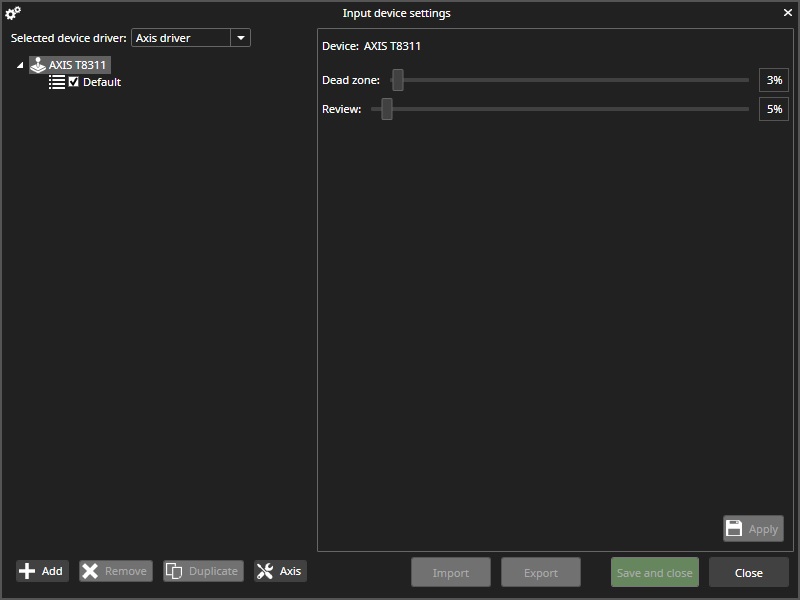
Status of registration operation can see from status icon:

