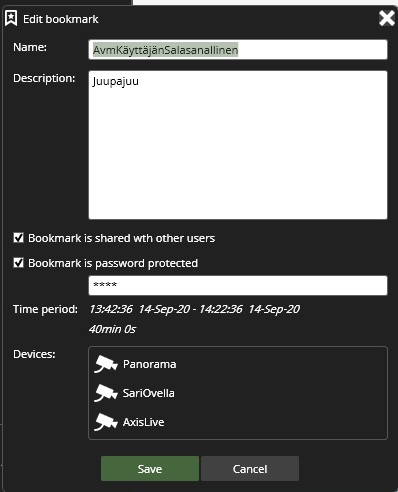
The bookmark can be later edited if desired.
-
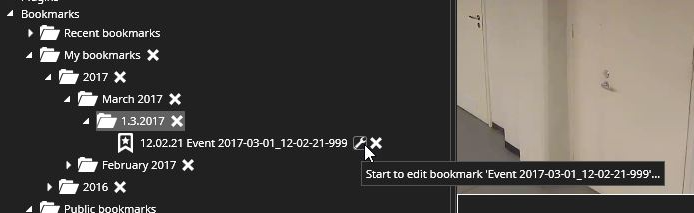
Open Bookmarks from the device tree
-
Select needed bookmark and click Start to edit bookmark icon
The bookmark editing view is a separate dialogue.
You can edit values:
-
Name
-
Description
-
Bookmark is shared with other users
-
Bookmark is password protected
When you have finalized the modification, please click Save