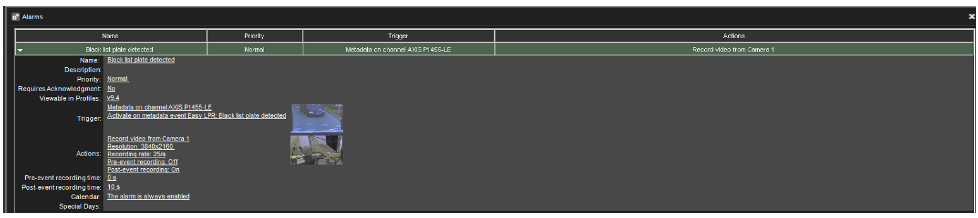
-
Go to the VMS Servers tab
-
Open Alarms
-
Click New Alarm
-
Enter all needed information in the General tab
-
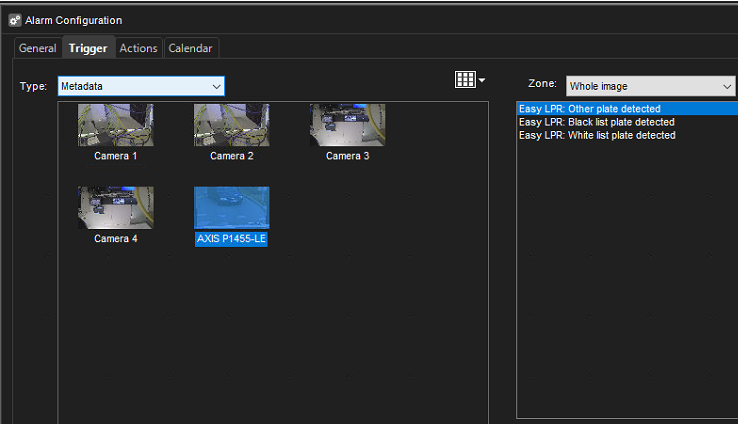
Open Trigger tab
-
Select trigger type Metadata
-
Select LPR camera
-
Select correct event:
-
Easy LPR: Other plate detected
-
Easy LPR: Black list plate detected
-
Easy LPR: White list plate detected
-
Enter the actions of the alarms
10. Set calendar
11. Check overall view of the alarm
12. Click OK to confirm an alarm creation