
VM Desktop default setup for DirectX devices and AXIS joystick
VM Desktop default setup
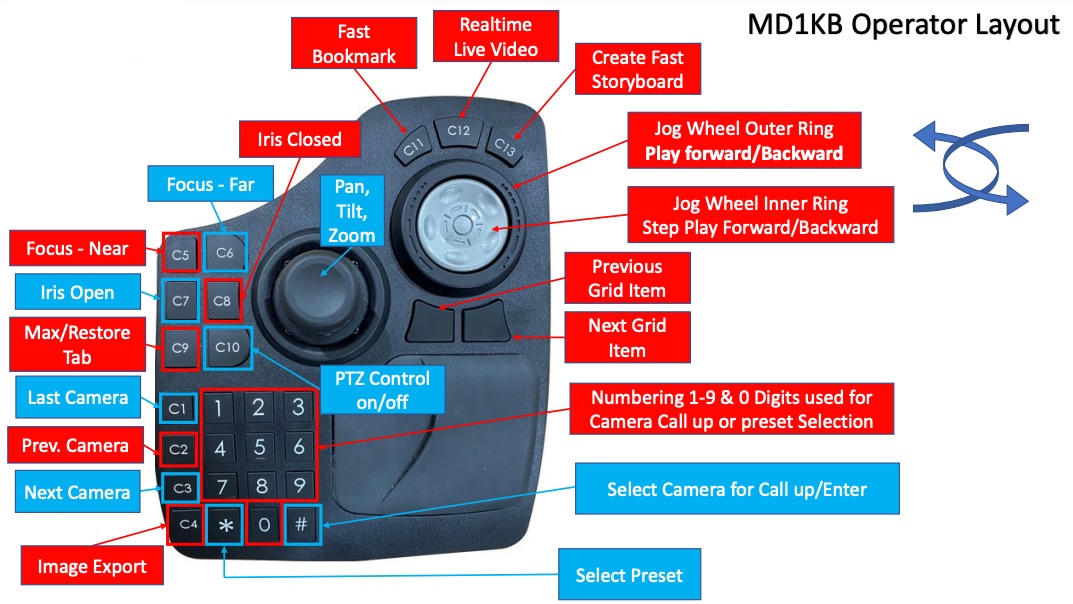
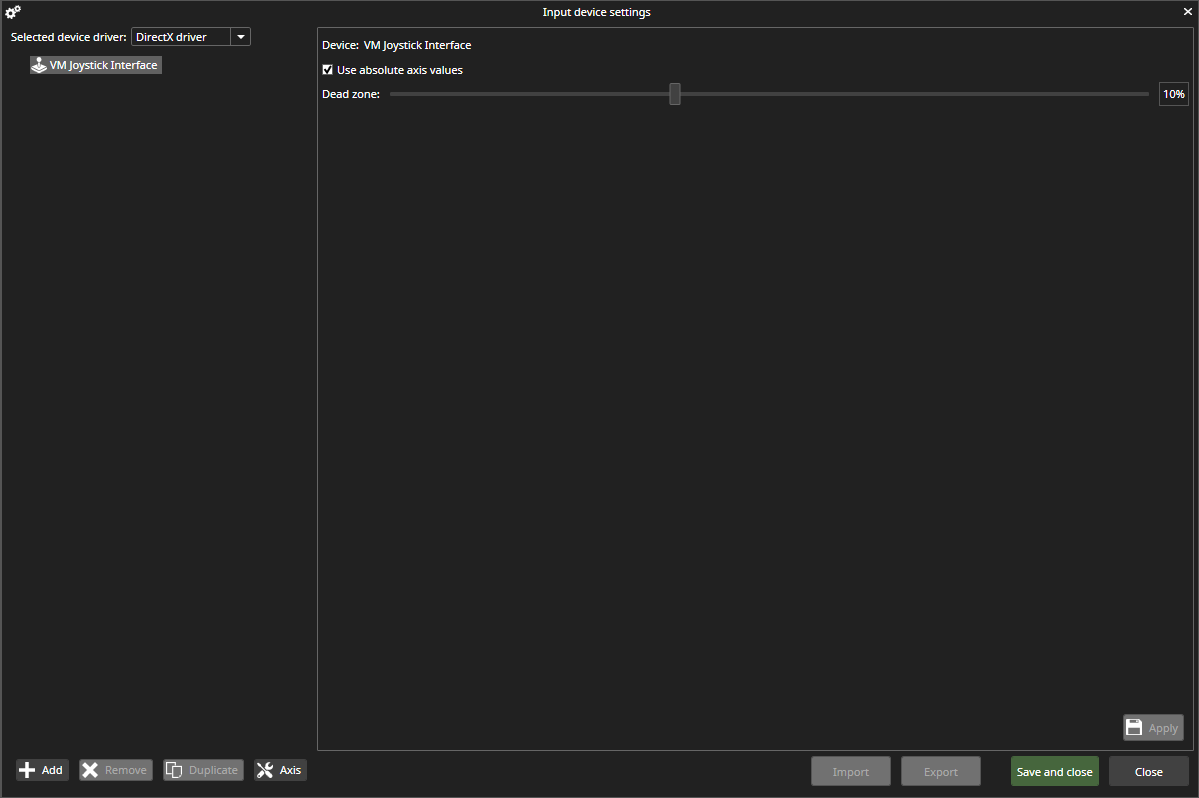
Device driver selection
In the device driver setup page, only one driver is seen at a time, the default selected driver is the DirectX driver.
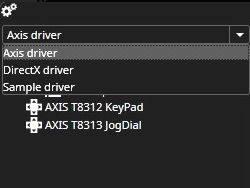
Used (= active) driver can be selected from combo box items:
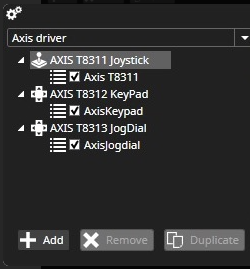
Axis device driver supports AXIS T8311 Joystick, AXIS T8312 Keypad, and AXIS T8313 Jogdial.
Note!
During the Axis device driver test period, we detected a case where the Axis device driver was not viewing ID driver selections in Spotter.log for an unknown reason, and the following error message appeared: Exception in reading parameter information from installed control device driver
Changes in VMS 9.6.0
Automatic Axis device driver registration at Spotter start-up is removed, and a new Axis registration button is added in Input device settings.
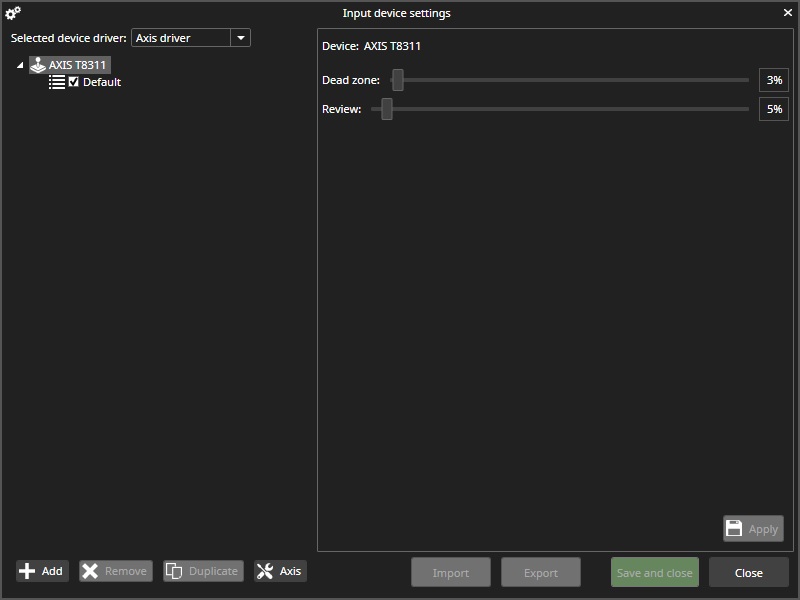
Status of registration operation can see from status icon:

