-
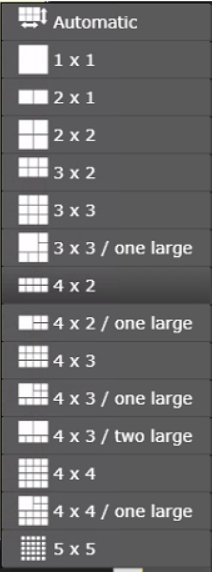
Select the amount of the grids or use Automatic
Opening cameras
-
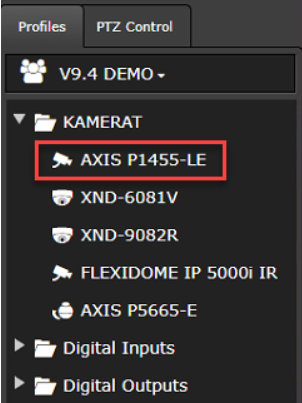
Left mouse click top of the camera name in the device tree
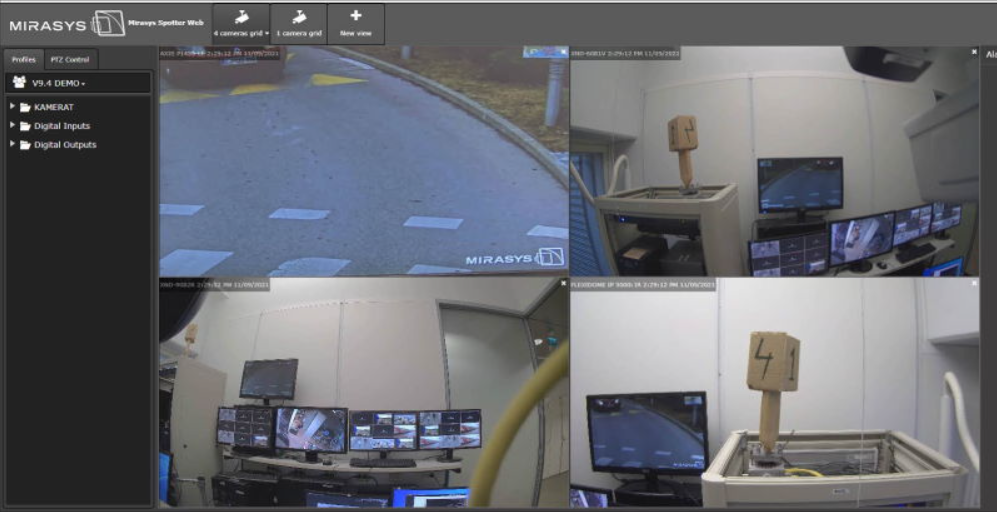
Selected cameras are opened with the camera name and time stamp.
Closing cameras
-
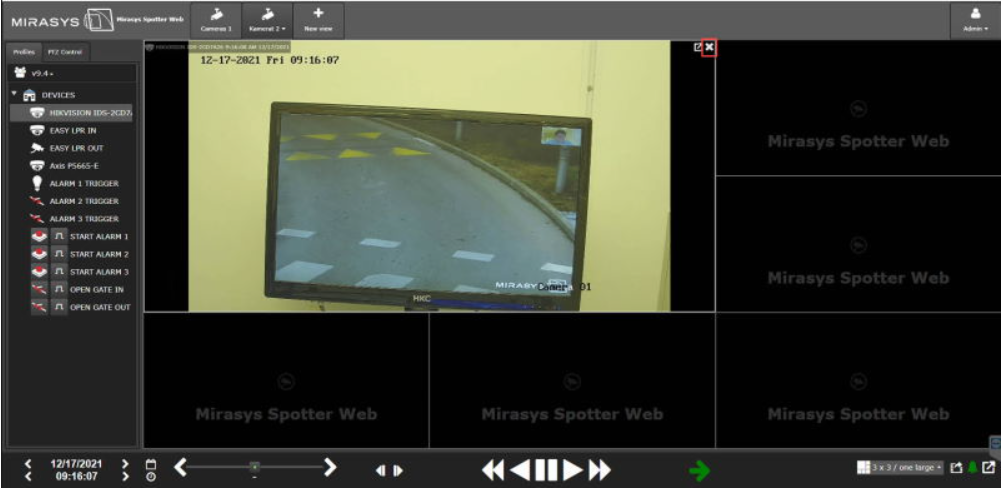
Click the X icon from the needed camera image upper right corner