-
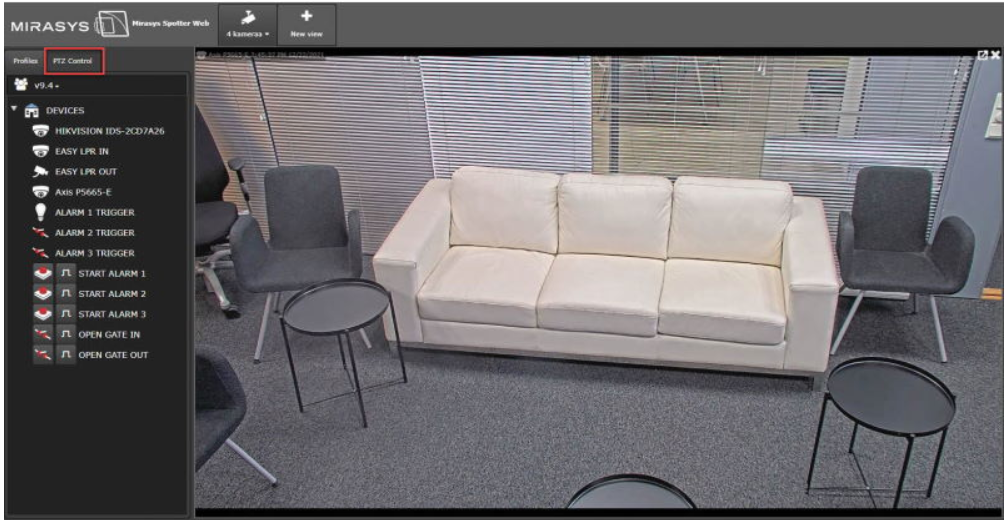
Open PTZ camera to the real-time view
-
Click PTZ Control
-
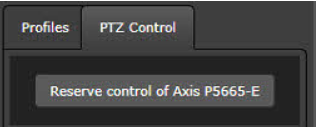
Click Reserve control of XXXX
-
Open PTZ Control
-
Control PTZ camera using arrows
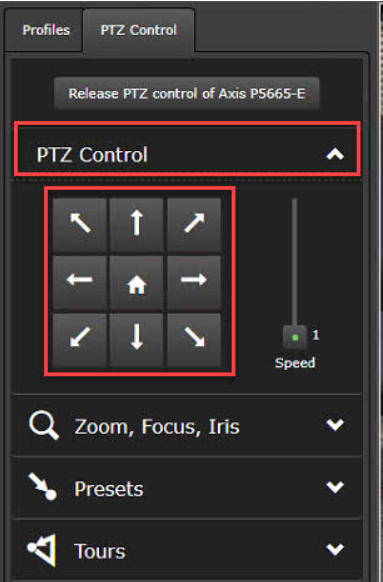
Zoom, Focus, Iris
Control PTZ camera Zoom, Focus and Iris
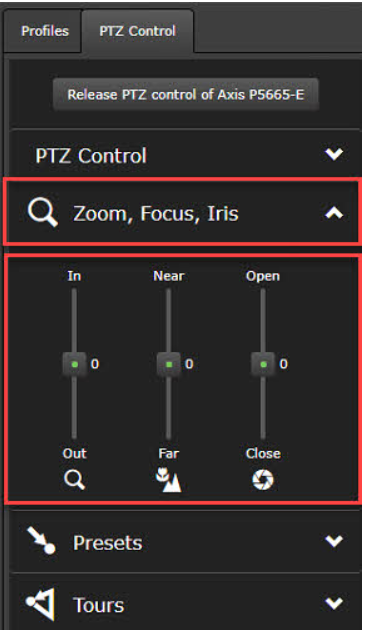
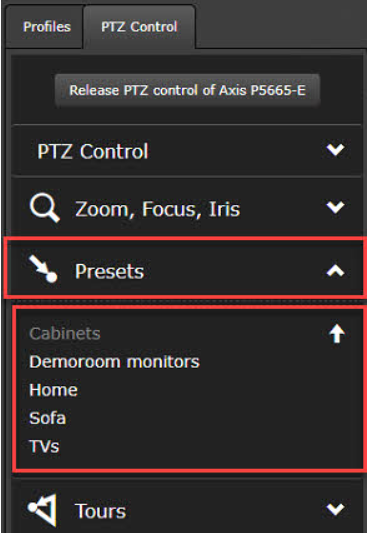
Presets
The user can control PTZ camera presets. The current preset is shown with the arrow icon end of the preset name
Tours
Under this user can enable PTZ Tours.