
Logging in to Spotter
Double-click the Spotter shortcut on your desktop.

-
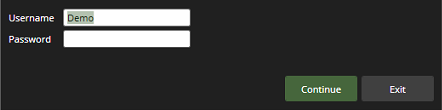
This will open the Spotter login window, where you can enter your username and password to log in.
-
Finally, click Continue to log in.
-
If needed, accept the terms of use to continue with the login.
-