Opening cameras to the work area
-
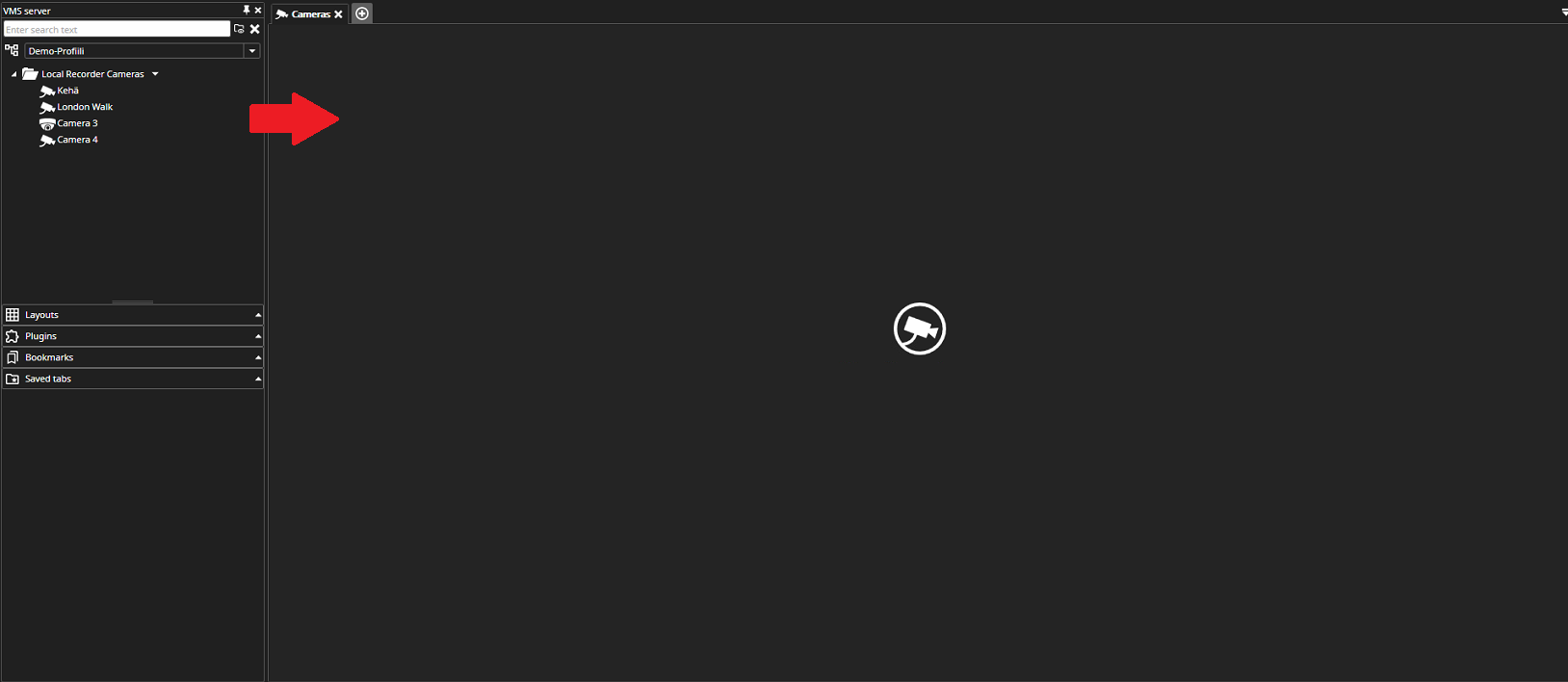
You can open cameras by double-clicking the desired camera, which will open it in the work area.
-
You can also open a camera by dragging it from the device tree to the workspace.
-
Alternatively, you can double-click or drag the camera folder to the workspace, which will open all the system’s cameras.