User interface
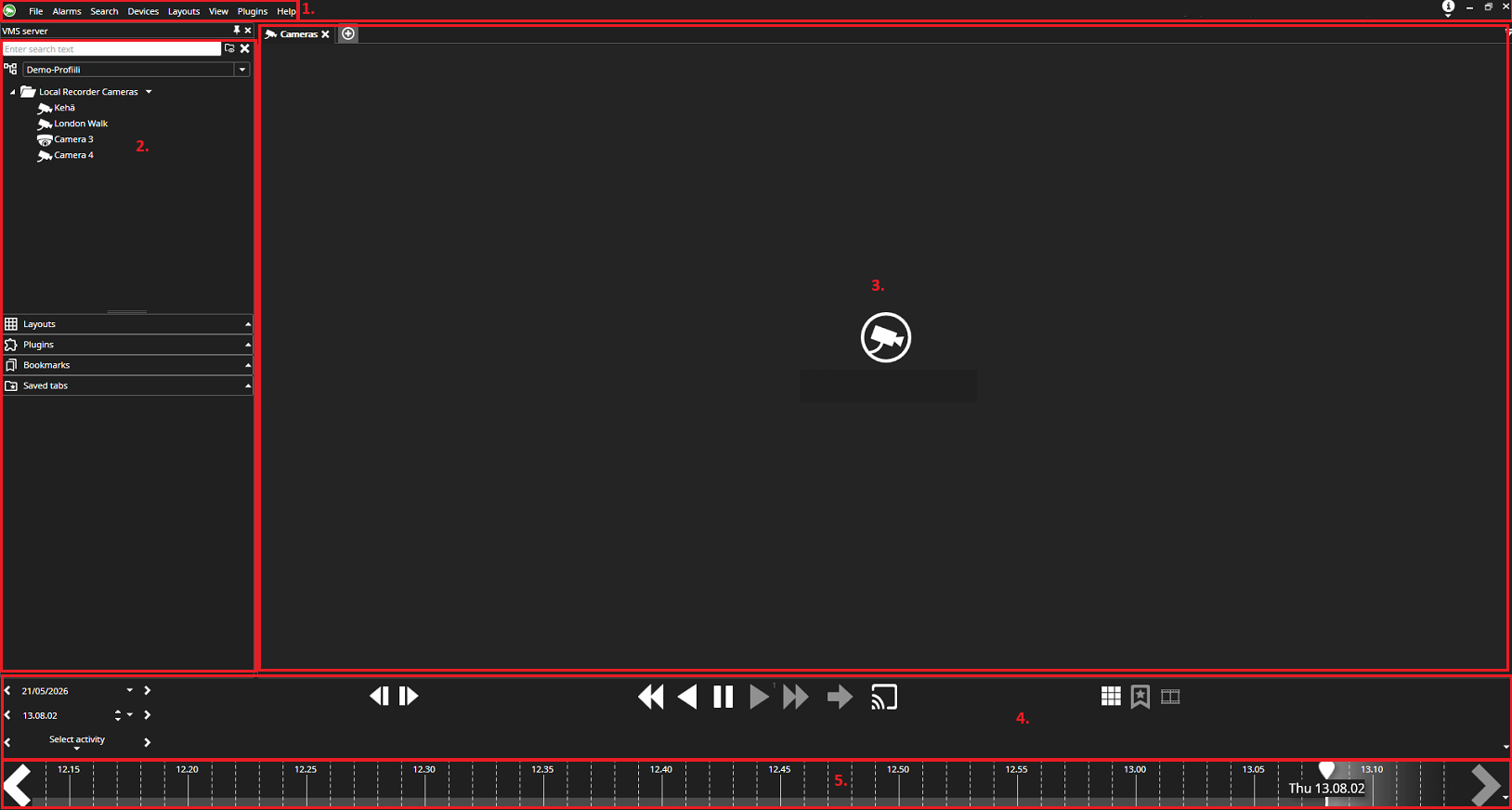
The user interface consists of the following sections
-
Menu bar: Here you can edit Spotter settings and open its add-ons.
-
Device tree: This displays the cameras and other devices added to the system.
-
Work area: In this area, you can open cameras and other devices from the device tree.
-
Time/date selection and playback buttons.
-
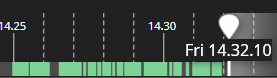
Timeline: This displays the timestamps of the recorded footage from the open camera/cameras.