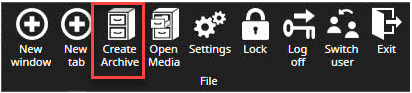
The archive is a tool for material backup and copying a larger amount of the material from multiple cameras.
Archived material can be opened with the Spotter or SpotterPlayer
Archive creation is only allowed if the archiving feature is enabled in the license.
-
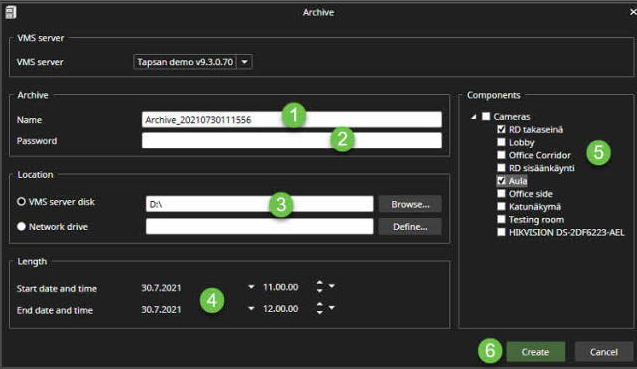
Set name of the archive
-
Set password protection, if needed
-
Set the location
-
Set length of the archive
-
Select archived components
-
Click Create
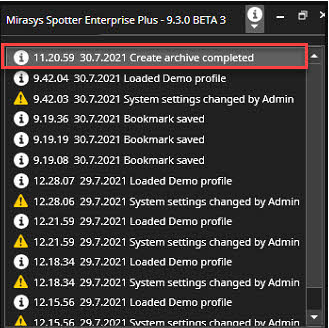
When the archive is done, you will see a notification in the UI upper right corner.