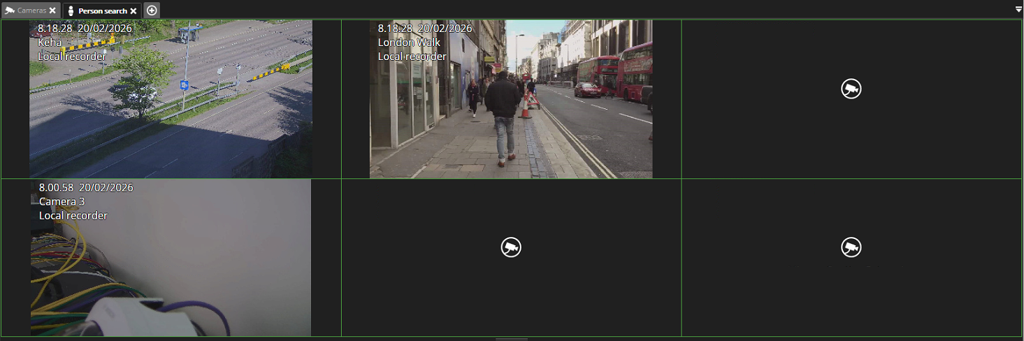
Using the Person search plugin requires a license.
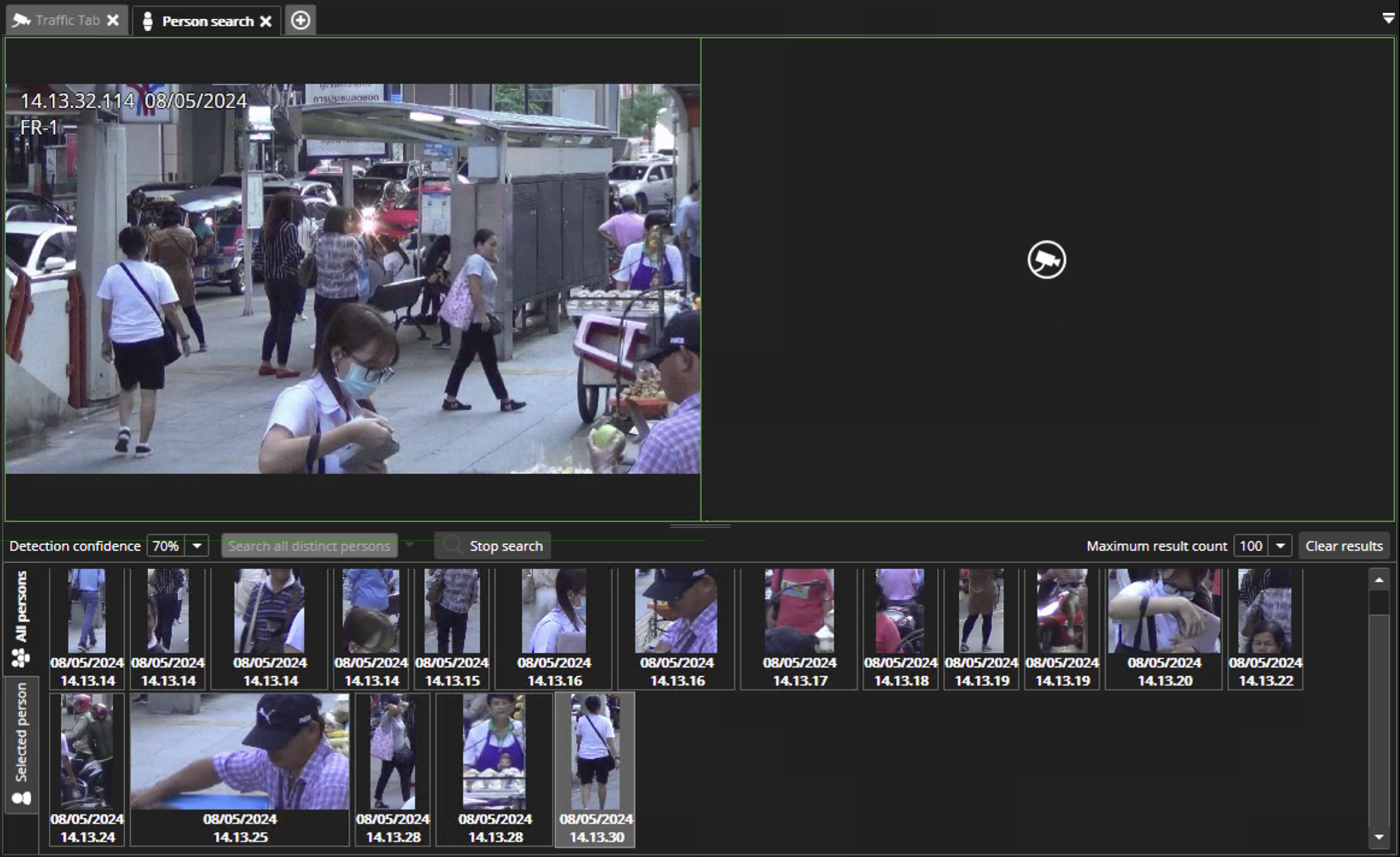
Modes
-
Playback mode: all persons are detected (this is the default mode)
-
Person search mode: the selected person is searched from played videos
-
All persons search mode: search all persons, try to display the same person only once
Thumbnails
Found persons are shown in a thumbnail list. There are separate lists for all persons and selected person search results.
-
Thumbnail mouse click (or Enter key) shows the thumbnail location in the video
-
Thumbnail mouse double-click opens the thumbnail video playback in a new tab
Camera grids
By changing the camera grid selection, more streams can be displayed in the Person search plugin.
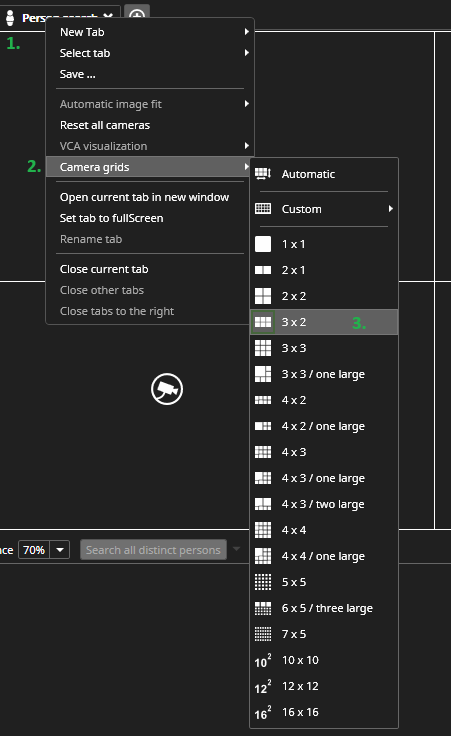
How to change camera grid selection:
-
Right-click on top of the Person search plugin tab
-
Hover the mouse over Camera grids
-
Select the grid type from the list
The selected grid type is displayed, and streams can be added to the grid. Streams are displayed in order of addition, but a stream can be moved by dragging with the left mouse button.