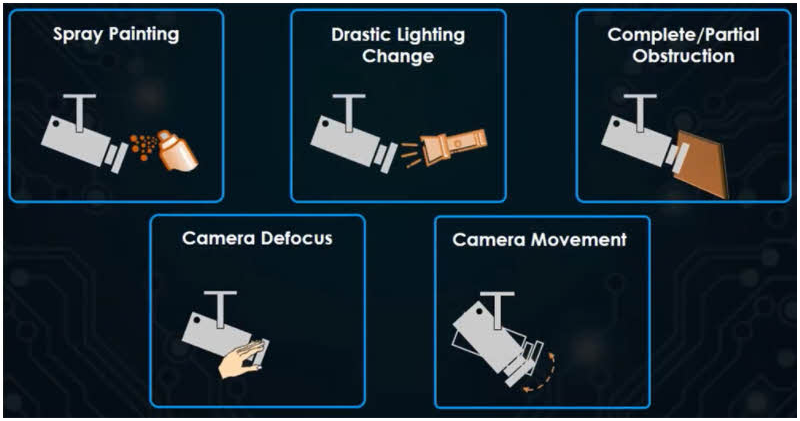
How to enable Tamper Detection
-
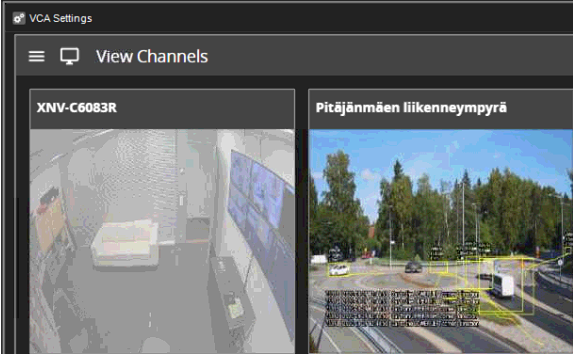
Open camera from the View Channels
-
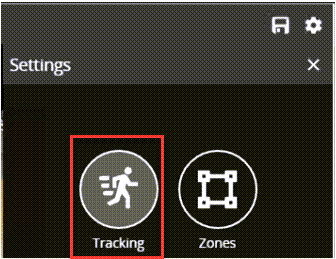
Open Tracking
-
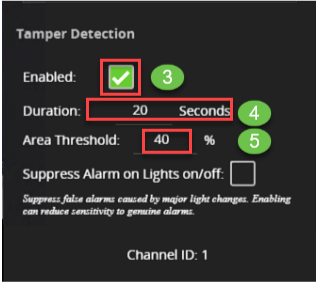
Enable Tamper Detection
-
Set Duration
-
Set Area Threshold
How to create an alarm from Tamper Detection
-
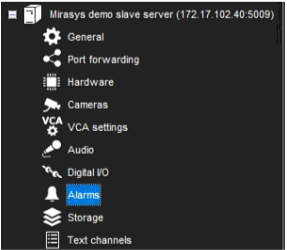
Open Alarms from the needed VMS server
-
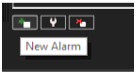
Click New Alarm
-
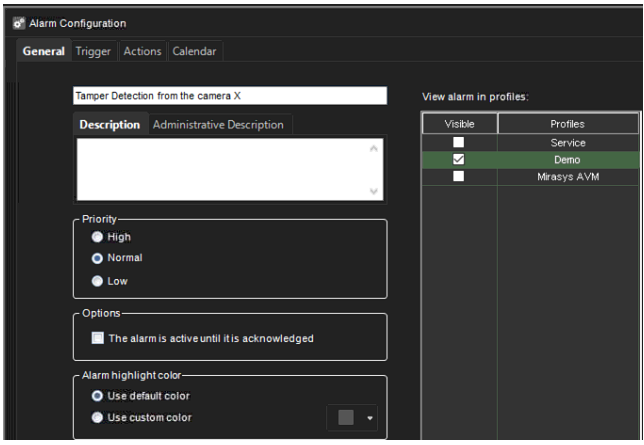
Enter the name of the alarm
-
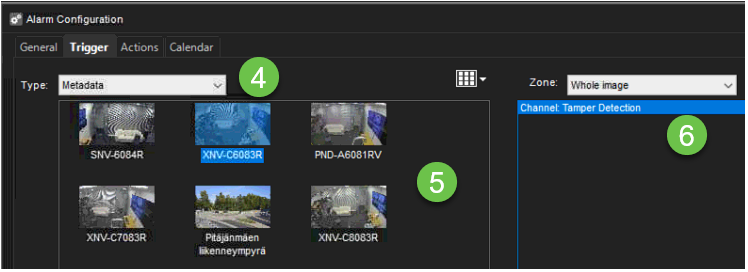
Select Trigger Metadata
-
Select camera from the list
-
Select Tamper Detection