
The Spotter-only installer installs only the Spotter application.
-
Click Install
-
Click Next
-
Use the default destination folder and click Next
-
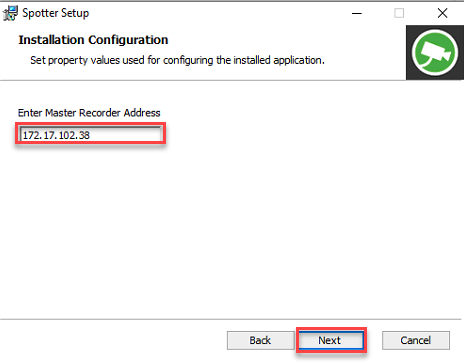
Enter the master server address and click Next
-
Click Install
-
Click Finish
-
Click Close to finalize the installation