V9.10 V9.9 V9.8 V9.7 V9.6 V9.5 V9.4

Exporting and Importing User Role Settings

Exporting User role settings

  1. Click Export user role settings to file
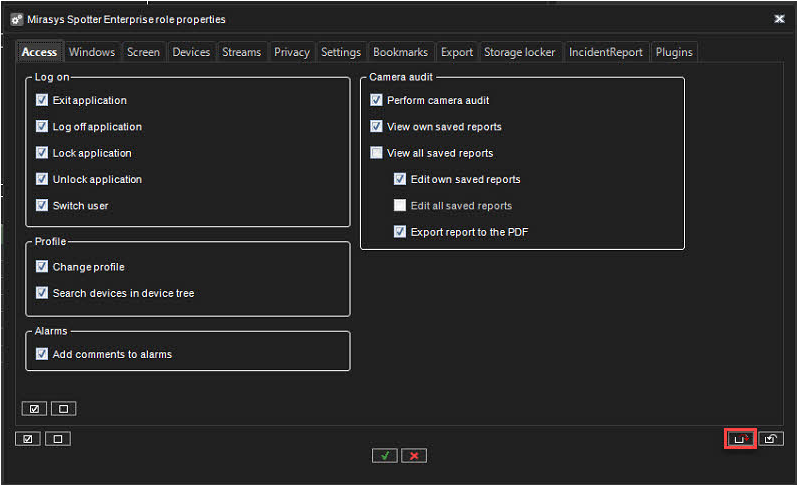
    image-20230621-102202.png
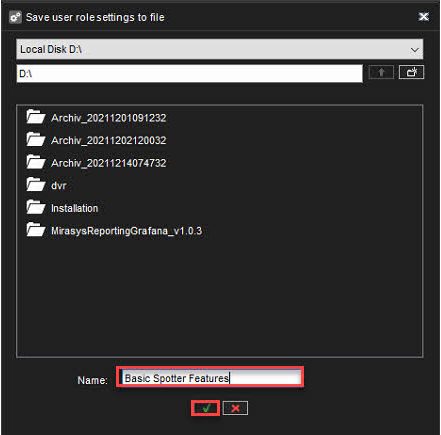
  2. Select destination

  3. Set the name of the file

  4. Click OK

    image-20230621-102212.png

Importing User role settings

  1. Click Import user role settings from the file
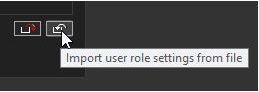
    image-20230621-102238.png
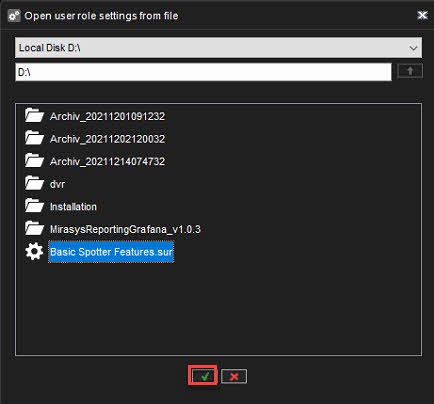
  2. Select file(.sur)

  3. Click OK

    image-20230621-102250.png