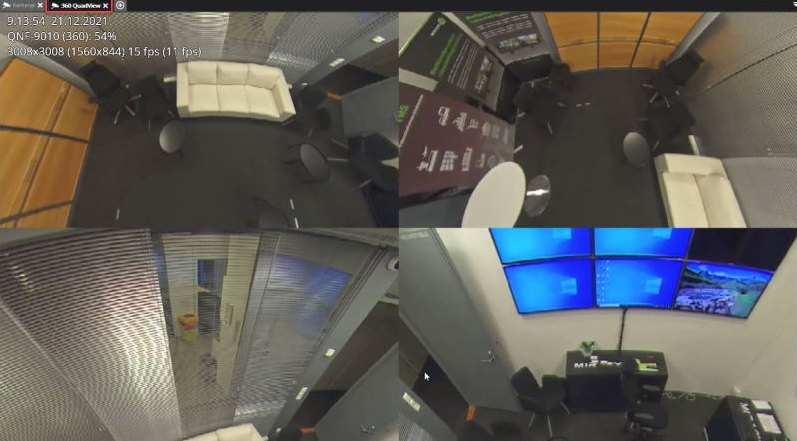
Opening the saved device tab
-
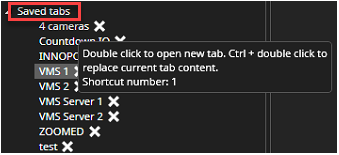
Open the Saved tabs from the device tree
-
Double-click correct saved tab name
After the loading of the saved tab, Spotter shows all devices, which were opened during the saving. If the device tab was renamed, that name is also shown.