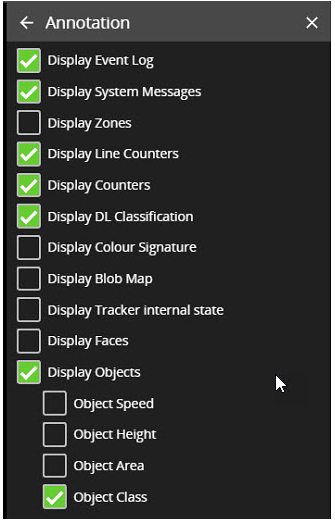
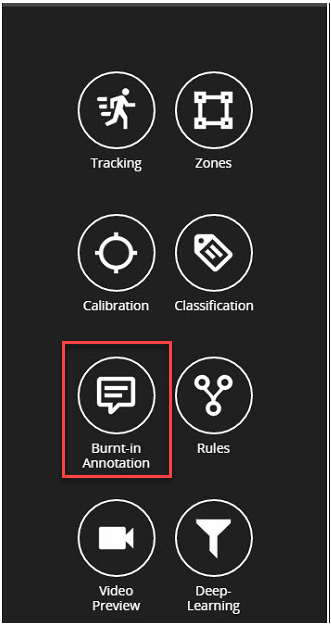
Burnt-in Annotations allow VCAserver metadata to be overlaid on to the raw video stream.
The burnt-in annotation settings control which VCAserver metadata (objects, events, etc) is rendered into the video stream.
Note:
-
To display object parameters such as speed, height, area and classifications, the channel must first be calibrated.
-
To display DL Classification annotations, the channel must have an active Deep Learning Filter rule configured or the DL People Tracker enabled.
-
To display colour signature annotations, the channel must have an active Colour Filter rule configured.
-
Some annotations only apply to certain trackers, in such cases the required tracker is listed in brackets.