
If the IP address or DNS name of a server changes, you can define the new address/name through the Change VMS Server addresses tool.
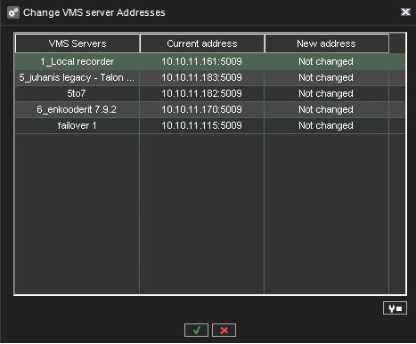
To change a server’s IP address or DNS name:
-
On the System tab, open Change VMS Server addresses.
-
Click on the name of the server with the changed IP address.
-
Click Change VMS Server address

-
Type the new IP address or DNS name of the server into the New VMS Server address field.
-
Click OK.