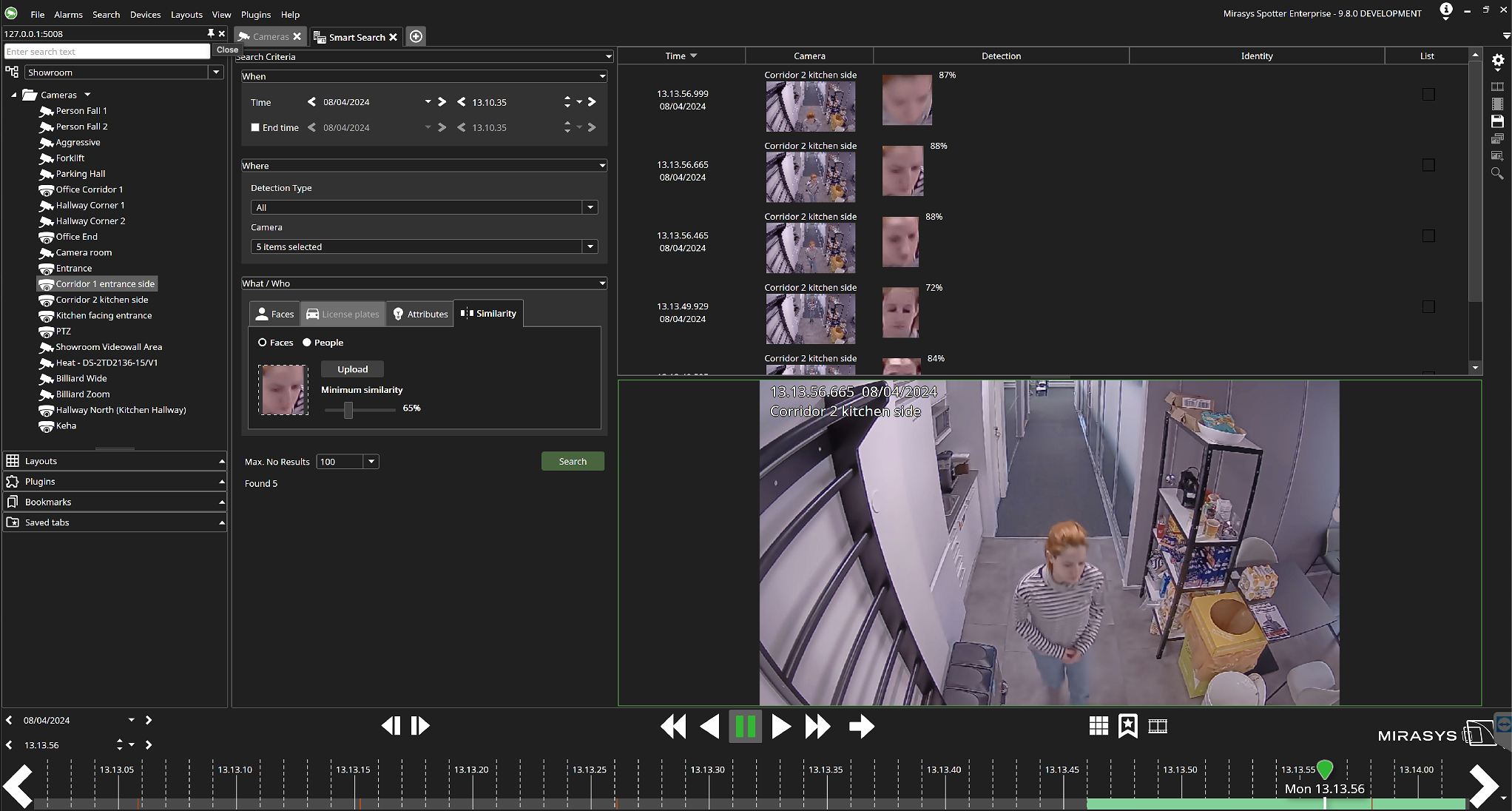
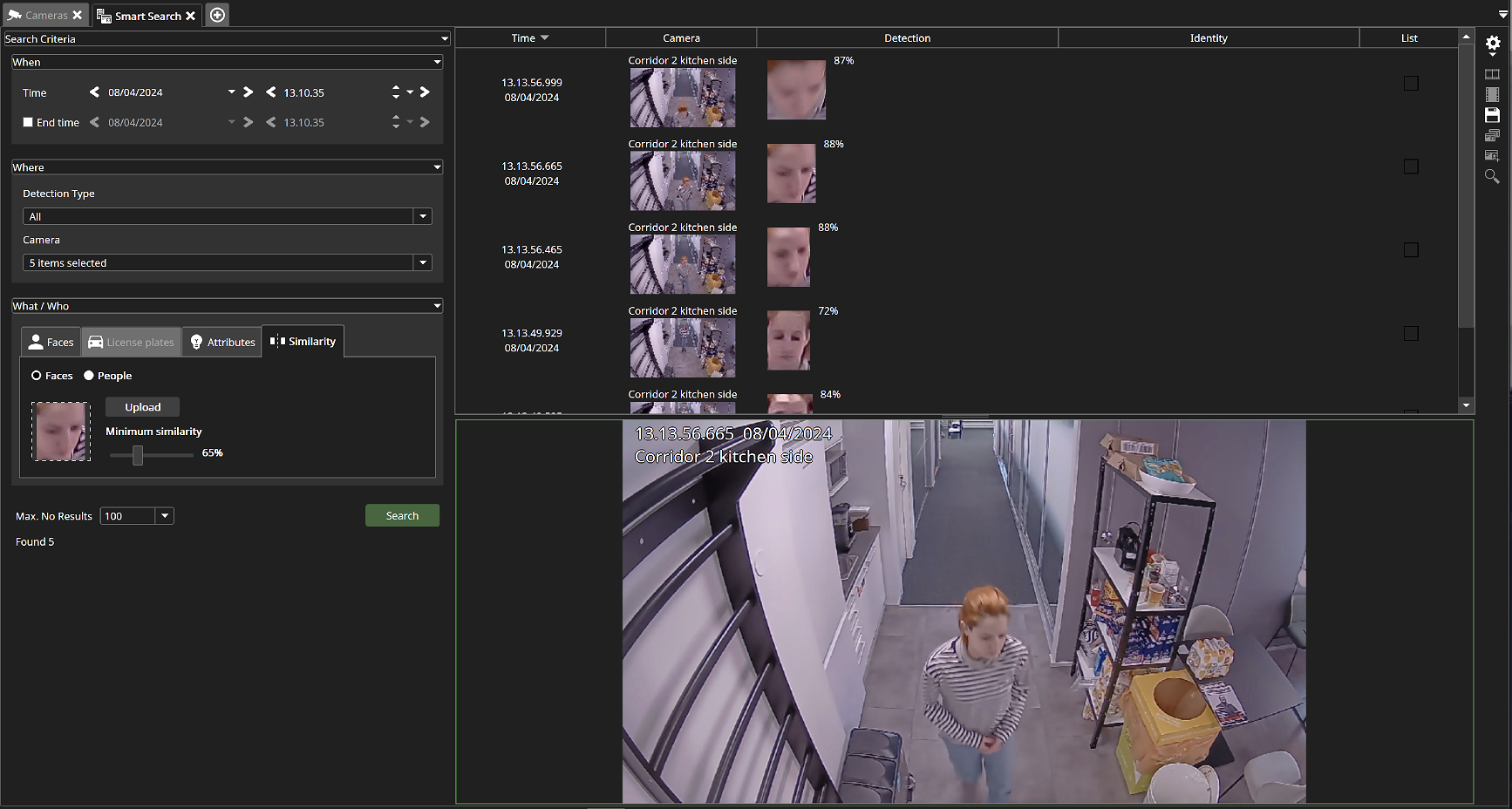
When using similarity search the user can upload a picture of a face and use the slider to adjust the similarity percentage of the results.
-
Select whether to search for only faces, or for people.
-
Upload a picture of the face or person you are looking for.
-
Select the acceptable minimum similarity percentage by adjusting the slider.
-
Select the maximum number of results to display.
-
Click Search.
-
View the search results displaying the Time, Camera, Detection, Identity and List used.