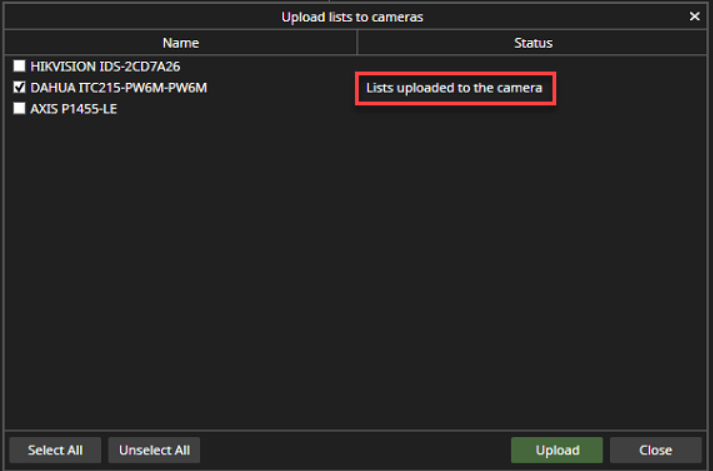
With the upload, the user can upload created black & white lists to the camera
-
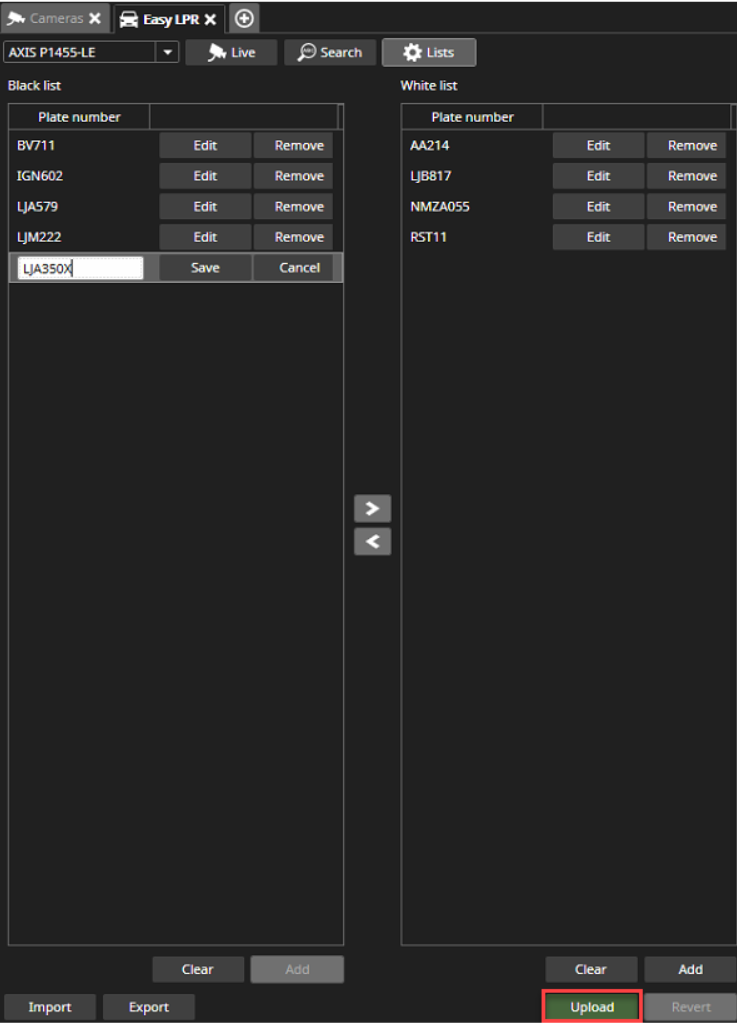
Select camera, which list will be uploaded
-
Click Upload
-
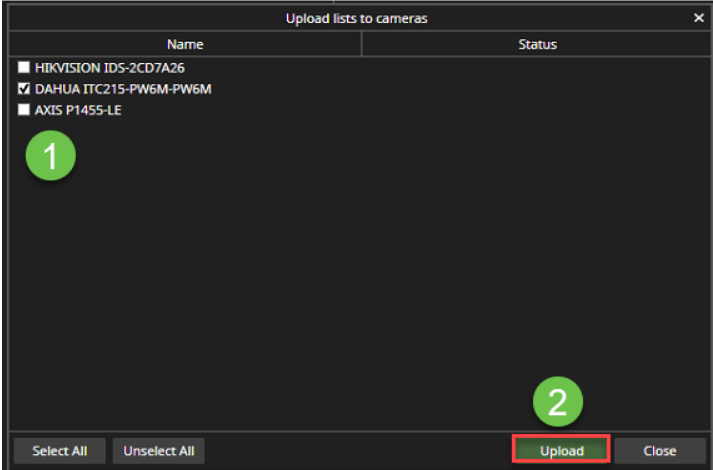
Select cameras, where lists are uploaded
-
Click Upload
After the upload, the status field shows the information List uploaded to the camera