Spotter Viewer installer is not included in the DVMS installer; it is a separate installation .exe package that can be used to install Spotter Viewer and register its HTTP port in the OS.
Installing Spotter Viewer
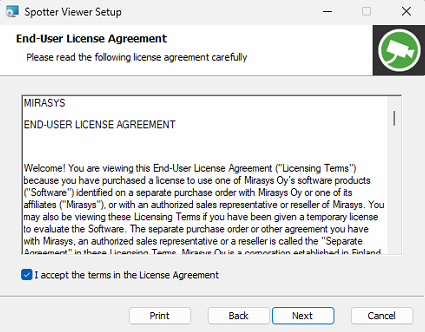
The installer has a step for accepting the End-User License Agreement (EULA). You must confirm that you accept the terms presented in the agreement to continue with the installation.
-
Start the installation by clicking the Spotter Viewer installation package
-
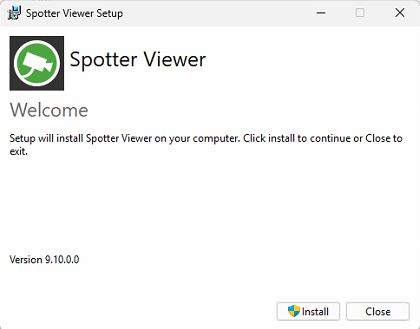
Click Install in the welcome dialog that opens up
-
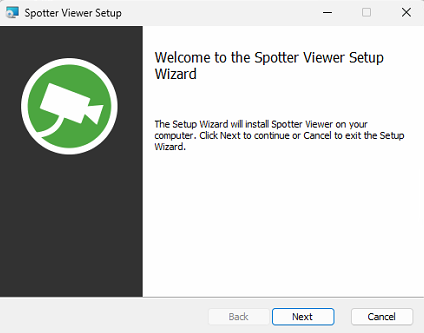
Click Next
-
After reading the end-user license agreement, tick the checkbox for I accept the terms in the License Agreement and click Next
-
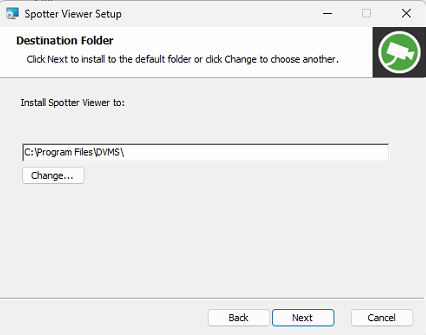
Select the destination folder where Spotter Viewer will be installed and click Next
-
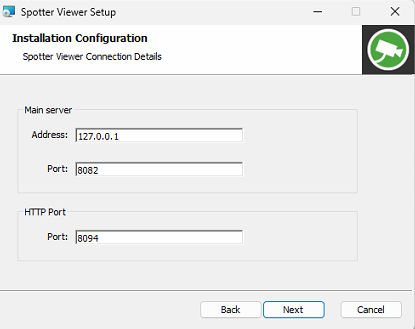
Set the connection details for the Main Server and HTTP Port, and click Next
-
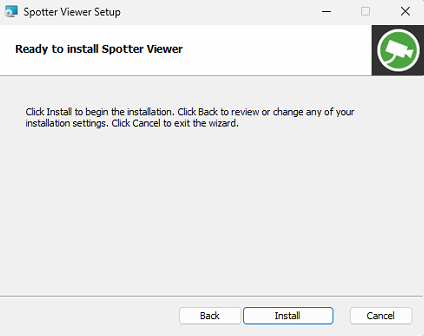
Click Install
-
Wait for the installation to complete
-
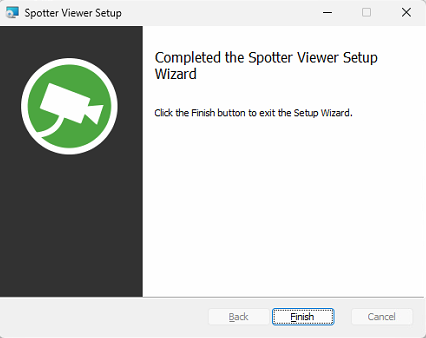
Click Finish
-
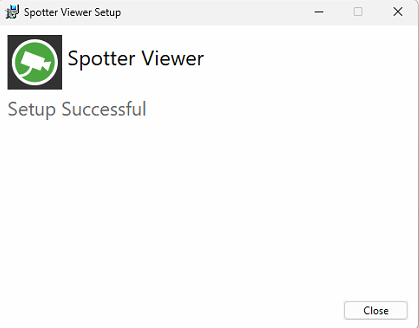
Click Close to finalize the installation