Do not install the VMS on a compressed drive. File compression can interfere with SQL Server functionality. Ensure the installation is performed on an uncompressed drive.
Installation with the complete VMS package
This guide will walk you through how to install the necessary client programs (System Manager, Spotter, and System Monitor) with the complete installation package in order to use the Mirasys VMS on a separate computer.
Administrator user rights are needed for installation.
If a Spotter or System Manager or both clients are already installed, those need to be uninstalled before proceeding with the System Manager and Spotter installation.
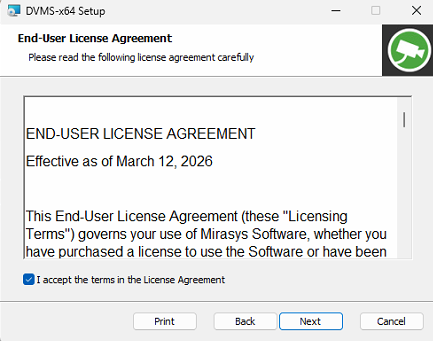
The installer has a step for accepting the End-User License Agreement (EULA). You must confirm that you accept the terms presented in the agreement to continue with the installation.
-
Start the installation by clicking the Complete installation package
-
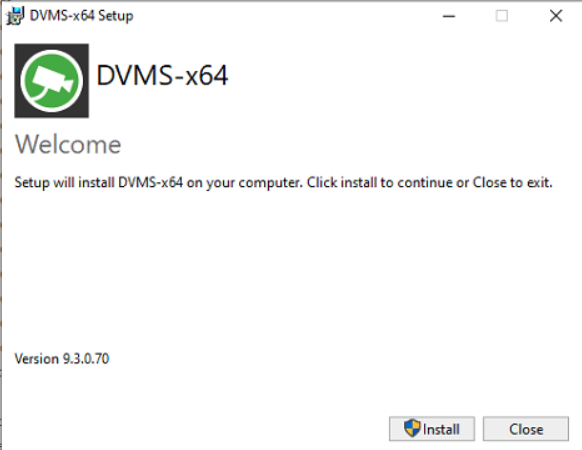
Click Install
-
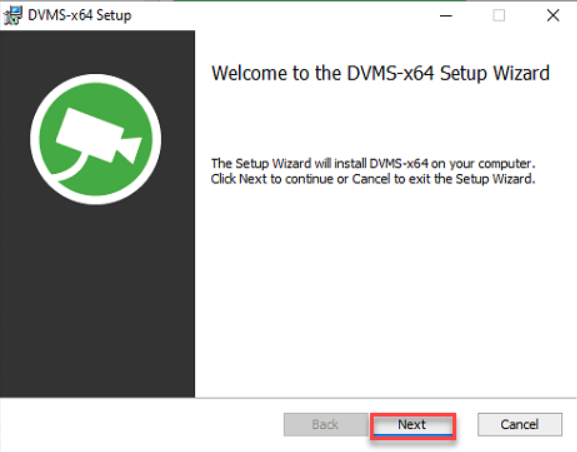
Click Next
-
Accept the End-User License Agreement and click Next
-
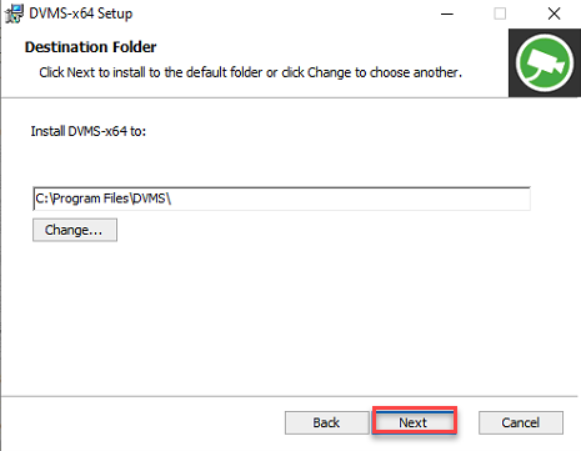
Use the default destination folder, or if needed, change it and click Next
-
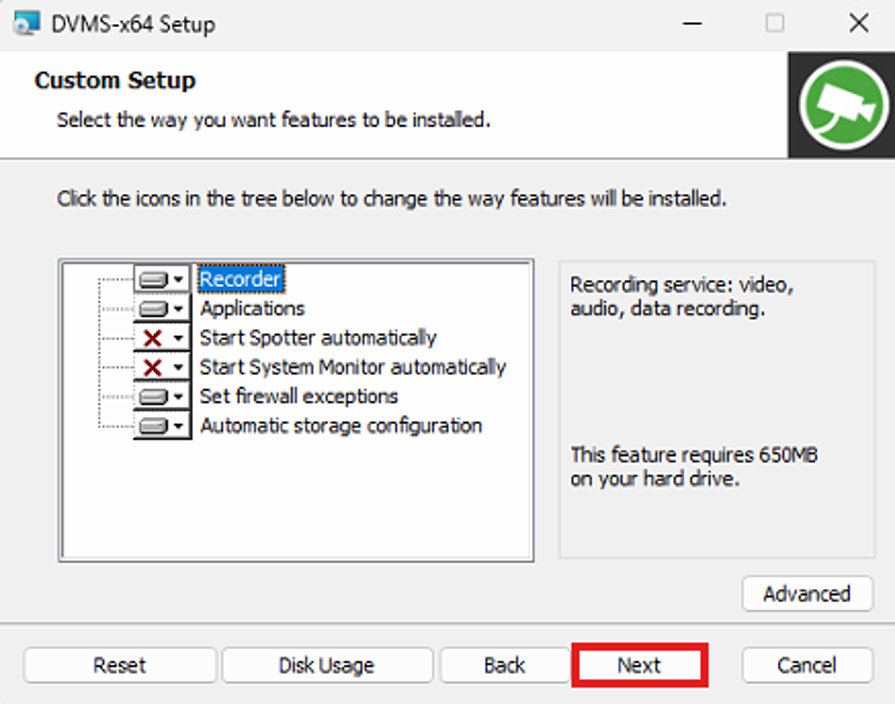
Use all default settings and click Next
-
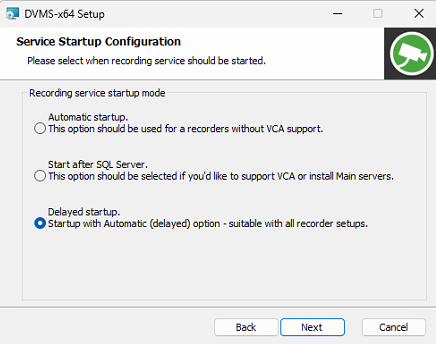
Select Service Startup Configuration to Delayed startup and click Next
-
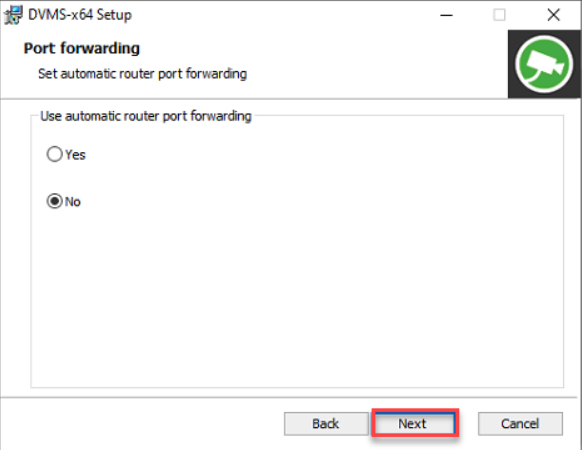
Use default settings in Port forwarding and click Next
-
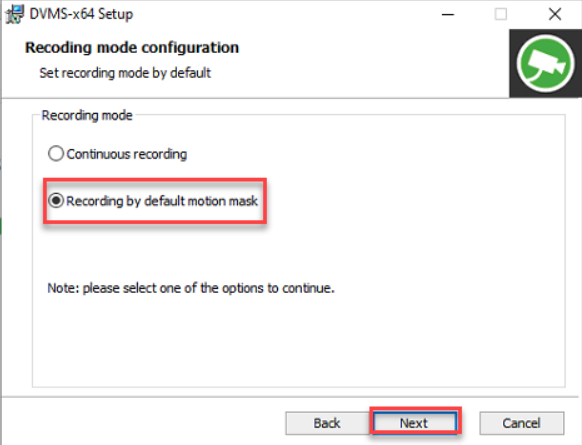
Select the option Recording by default motion mask, and click Next
-
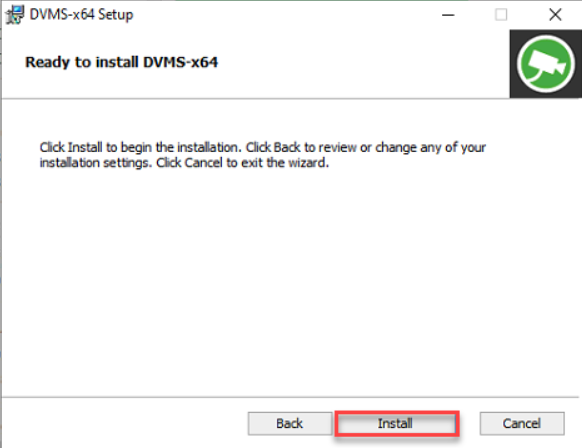
Click Install
-
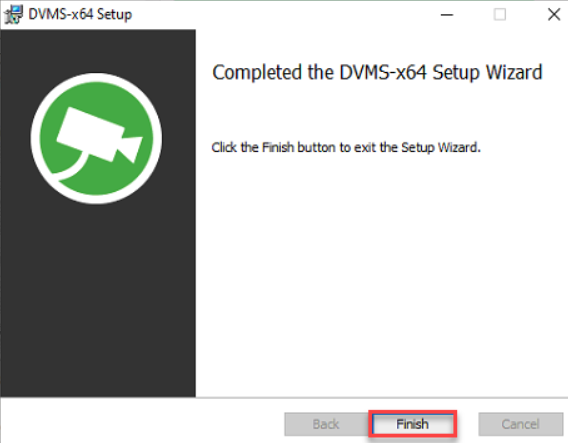
Click Finish
-
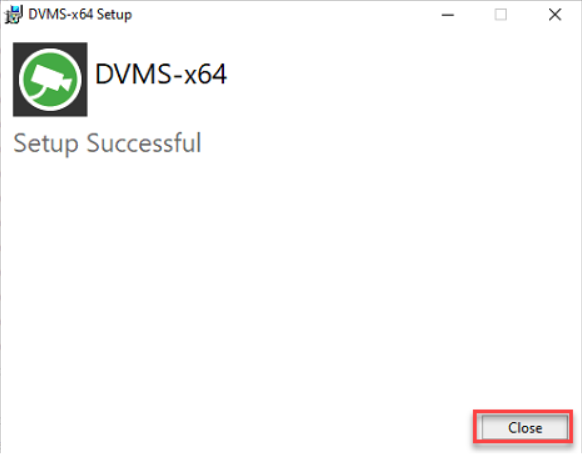
Click Close to finalize the installation