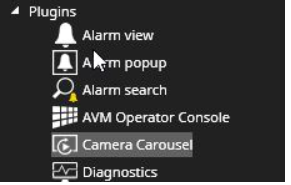
The Camera Carousel plugin allows users to create a lightweight camera tour on a single Spotter tab camera cell.
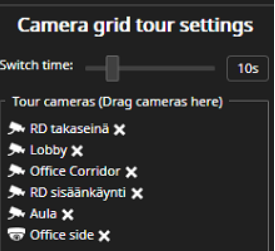
Camera grid tour settings
-
Open Camera Carousel
-
Drag needed cameras from the device tree to the camera carousel
-
Set switch time(from 5s to 30s)
-
Click Start tour

-
When the carousel is running, the camera grid cell is indicated with an orange border.
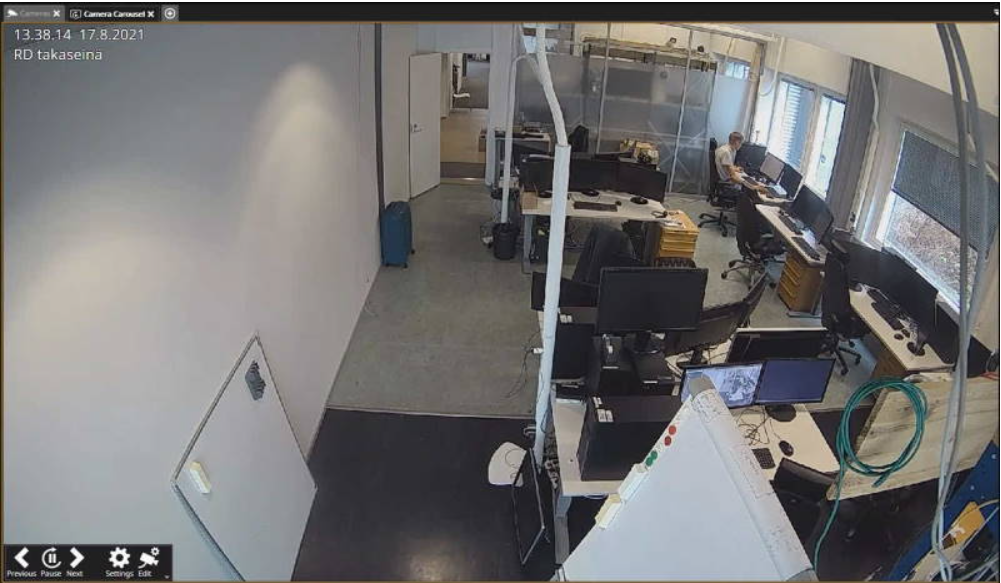
Mouse left-click opens toolbar with the options:
-
Previous
-
Pause
-
Next
-
Settings
-
Edit