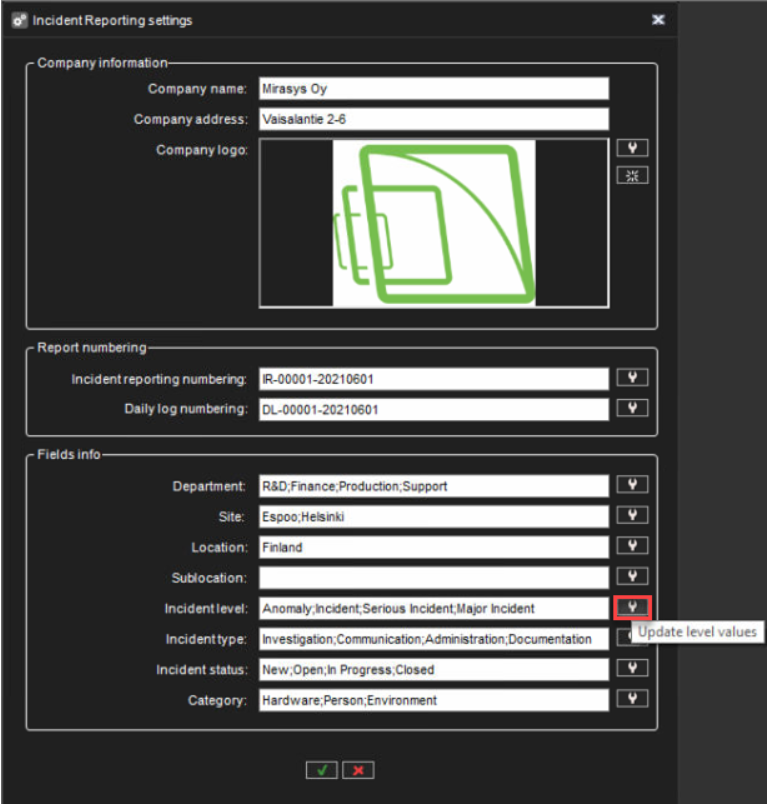
1. Click icon Update values
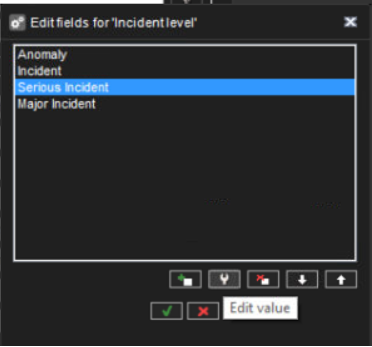
2. Select a value from the list and click Edit value
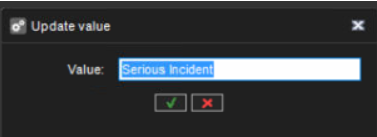
3. Enter a new value name and click OK

1. Click icon Update values
2. Select a value from the list and click Edit value
3. Enter a new value name and click OK