
With the import, the user can import a large number of plate numbers at the same time
-
Open exported CSV file
CSV content is shown below:
Plate number, List (1 = black list / 2 = white list)
LJ656PN,1
LJ731CV,1
LJZV585,1
LJZV584,2
2. Add a new line with format ZLO166,2 for each new plate number
3. Select correct list(List 1 = Black list, List 2 = White List)
4. Save changes
5. Click Import
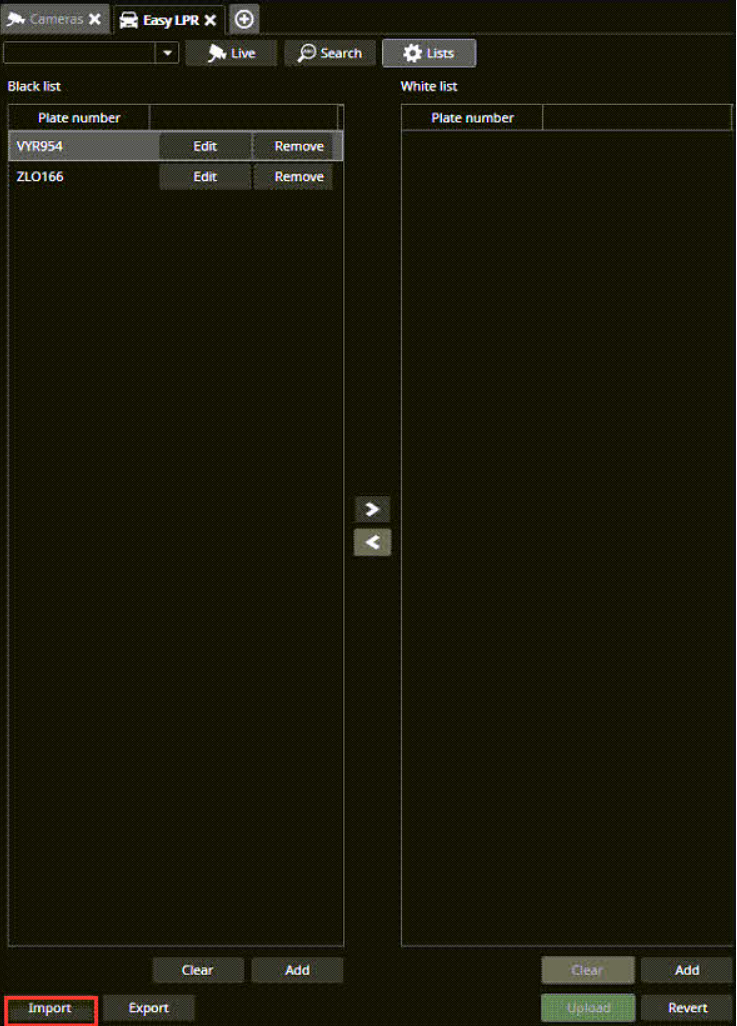
6. Browse to the location of the CSV file
7. Select the file and click Open