-
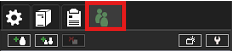
Go to the Users tab
-
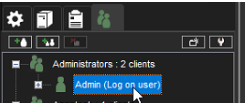
Double-click the user Admin
-
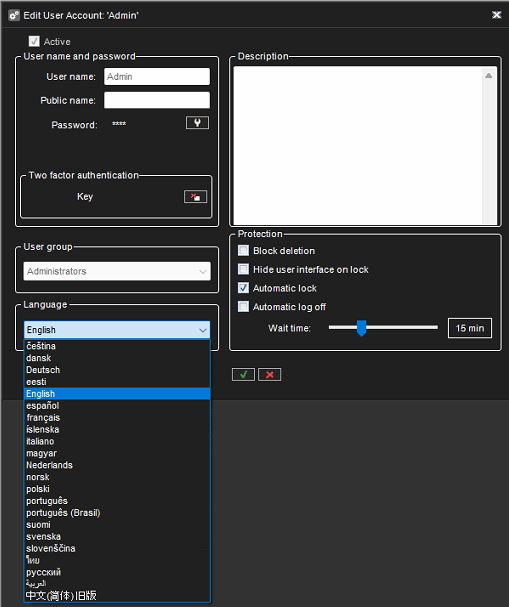
Select English from the dropdown menu
-
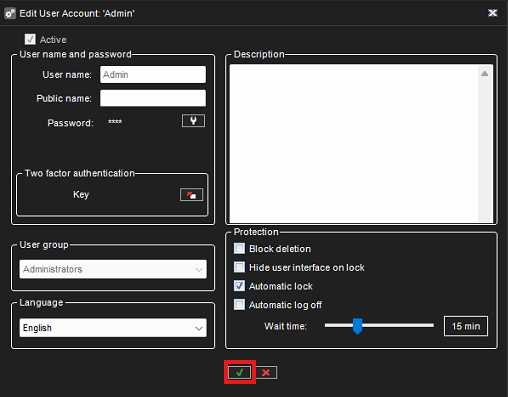
Confirm changes by clicking OK

Go to the Users tab
Double-click the user Admin
Select English from the dropdown menu
Confirm changes by clicking OK