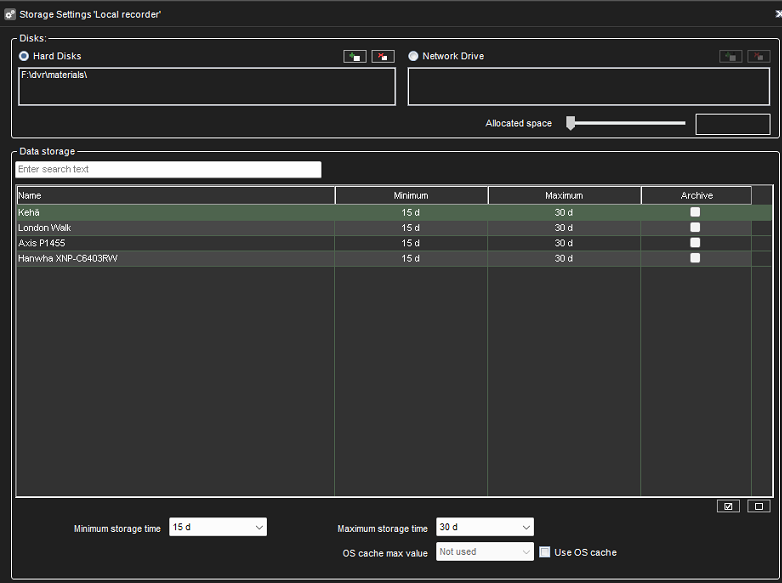
-
Go to System Manager > VMS Servers > Storage
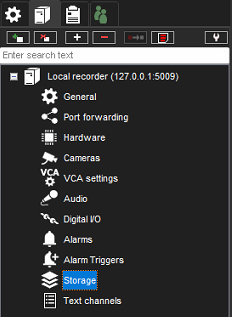
-
Select a camera or cameras (SHIFT+click)
-
Set Minimum storage time → Data is retained for at least x days if there is space on the hard drive
-
Set Maximum storage time → Mirasys VMS software automatically deletes footage older than the maximum time limit
-
Click OK to confirm the settings