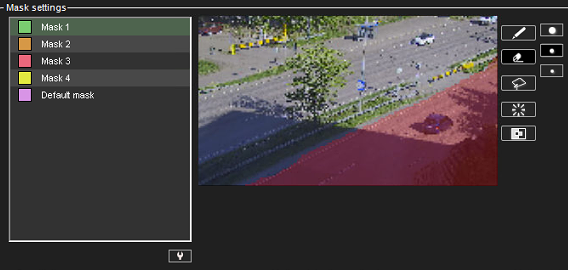
It is important to exclude from the image area any areas where you do not want motion detection to trigger recording.
Editing motion detection masks
-
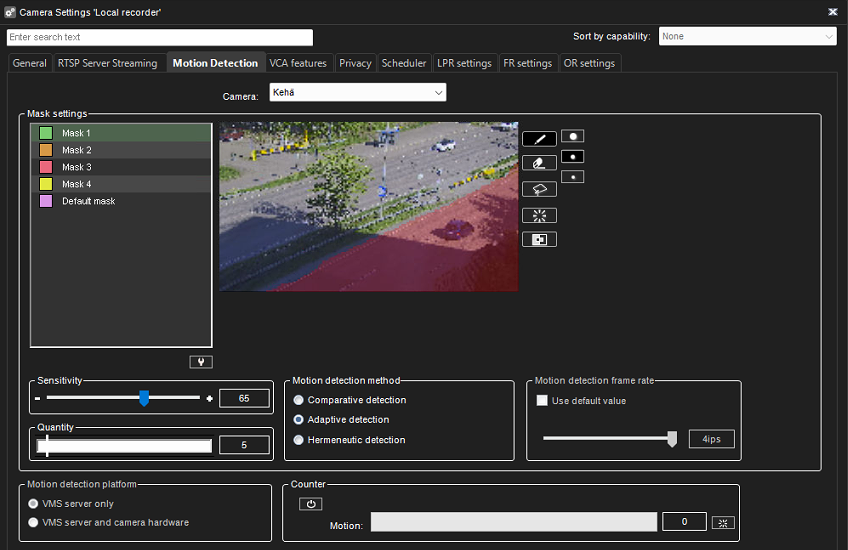
Go to System Manager > VMS Servers > Cameras > Motion Detection
-
Select a camera from the list
-
Verify that the motion detection method is set to Adaptive Detection
-
Select Mask 1
-
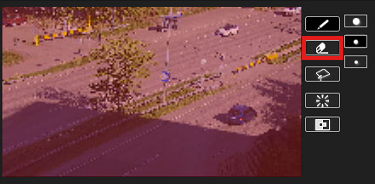
Select Eraser
-
Remove any areas from the image region that you do not want to trigger recording. Movement within the marked area will be recorded if the motion detection threshold is exceeded.