-
Open the Spotter application from the desktop

-
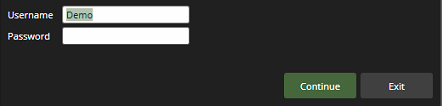
Enter the Username and Password and click Continue
-
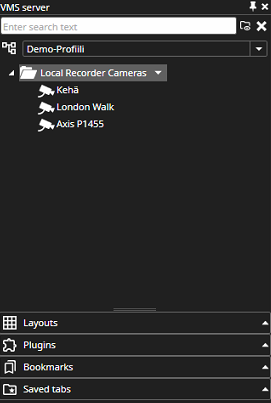
The customer should be able to see the cameras that were specified when the profile was created

Open the Spotter application from the desktop
Enter the Username and Password and click Continue
The customer should be able to see the cameras that were specified when the profile was created